BRANDING
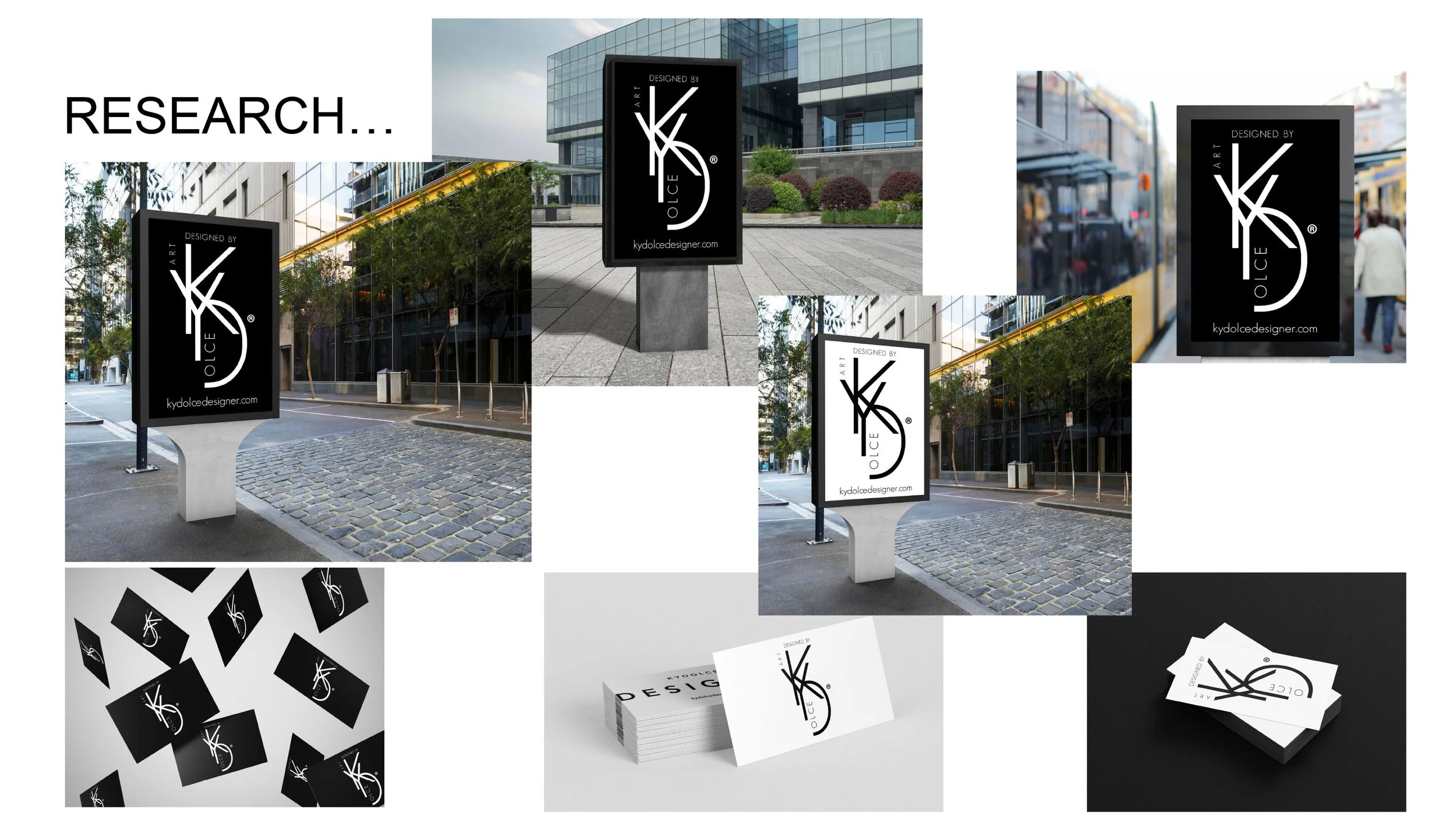
A large part of my course was researching and studying branding and logo design, a very important process of showcasing a brand is to be able to present it professionally with the companies design place on mock up billboards business cards and such products that showcase your designs on a real life product and a real life environment. I have learnt how to place my designs into professional mock ups to be able to demonstrate professional standards to the prospective client.
CUT &
PASTE
CUT & PASTE PROJECT - BRAND DESIGN - MINIMALISM
Brief; You have been tasked to complete a final collage and then deliver and present your work to a professional client.

BHIV
I chose to design a brand using cut and paste minimalistic style by using images to trace around and complete with hand drawn digital illustration, my motivation originally for this project was because a lot of the cut and paste styles were very messy and cluttered as a design and I found it very hard to design in a cut and paste style so I found a way to do cut and paste but with my own concept using a brand that I could see needed to simplify and minimise their logo and services. I really want to take the opportunity to making this into my own project but still follow the cut and paste brief.
Please see my video presentations below which talk through my thought and design process;
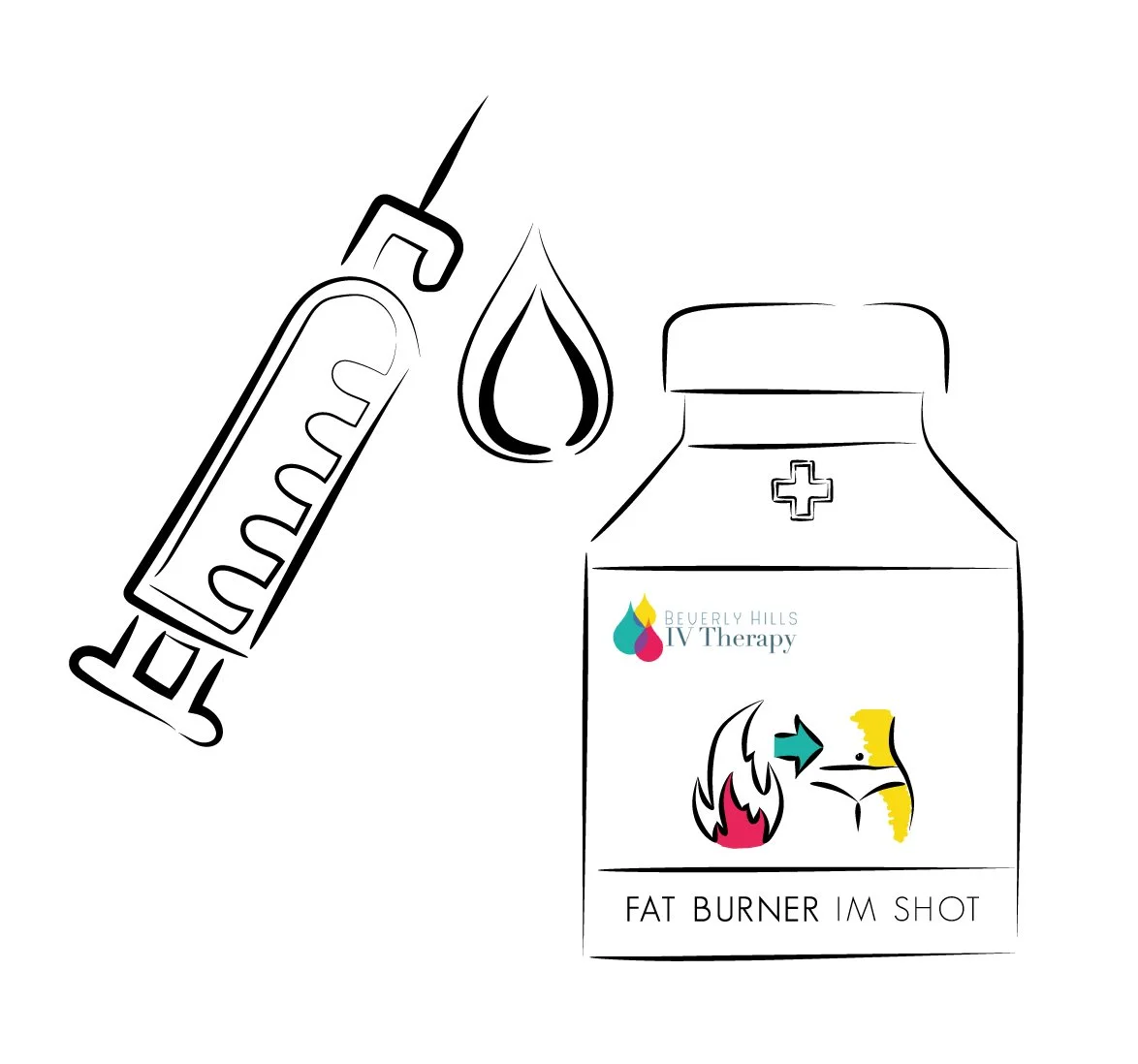
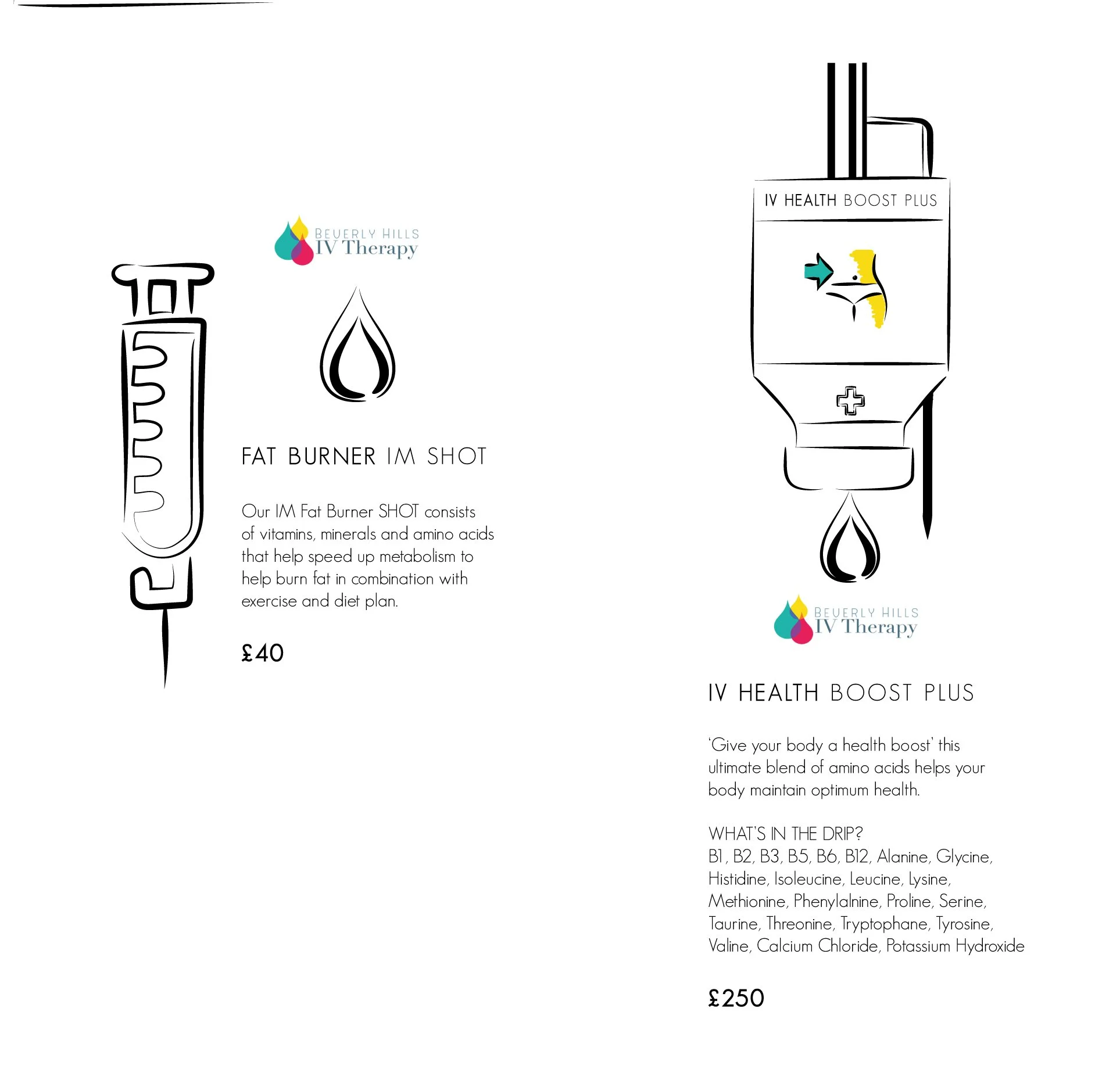
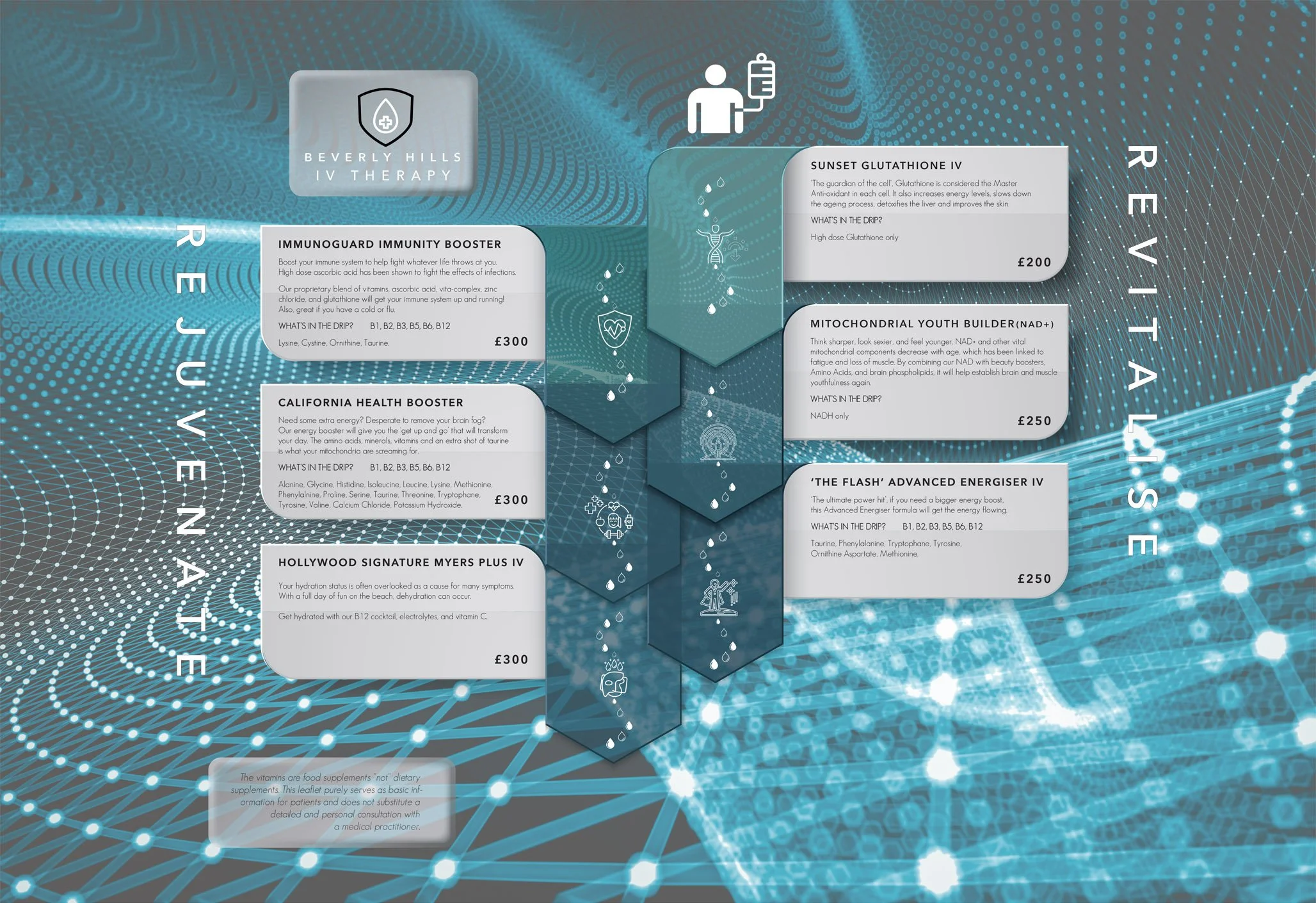
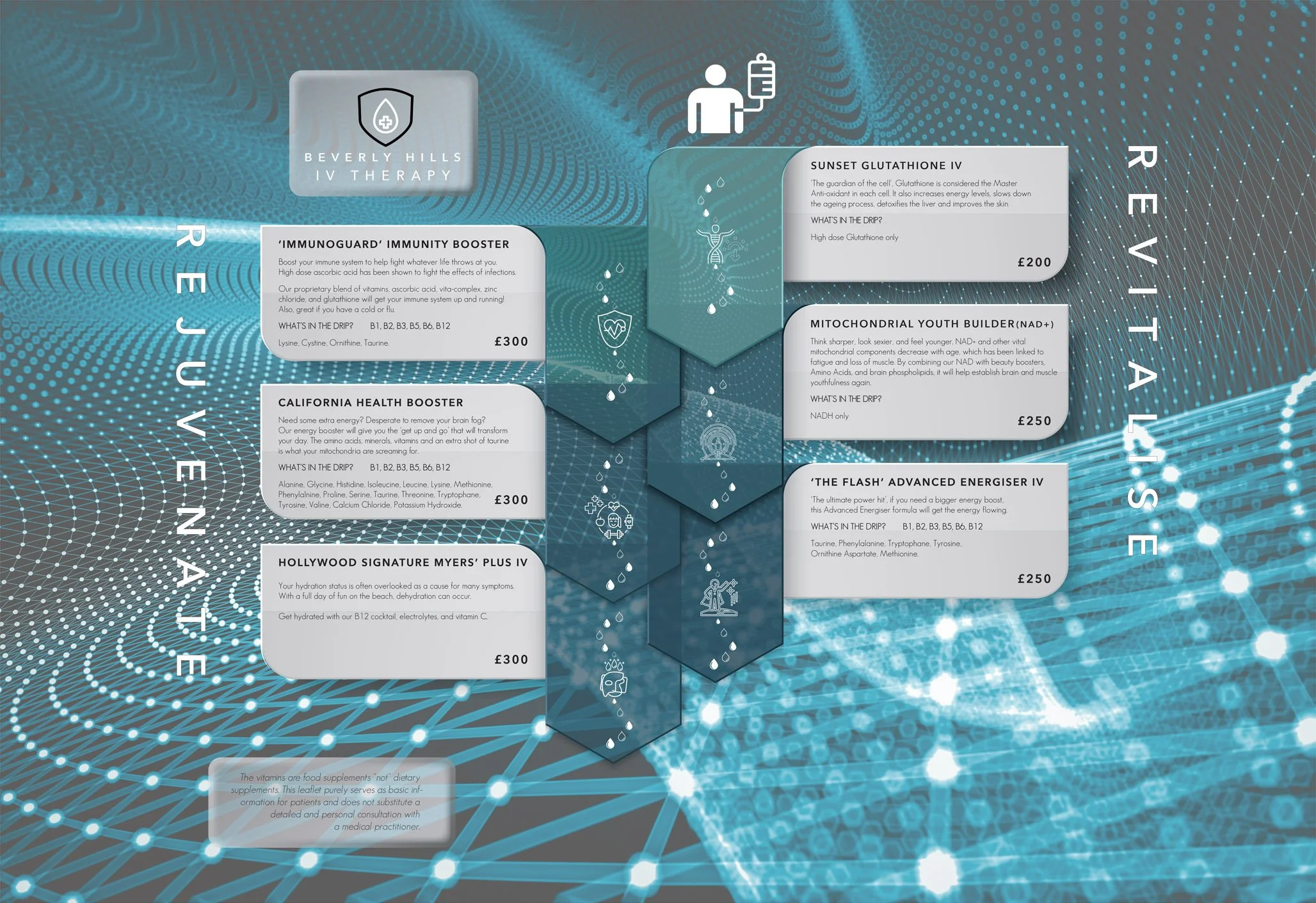
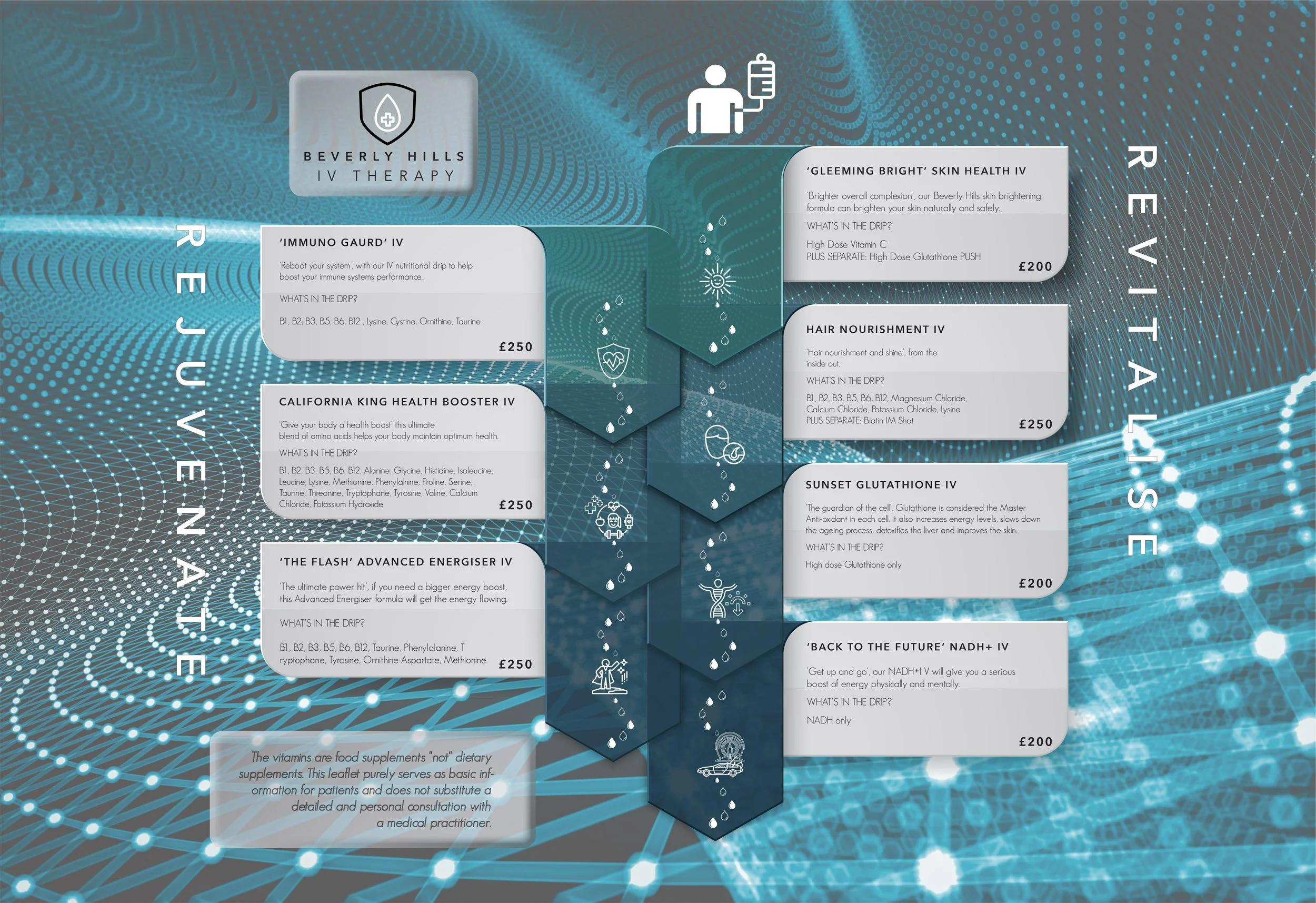
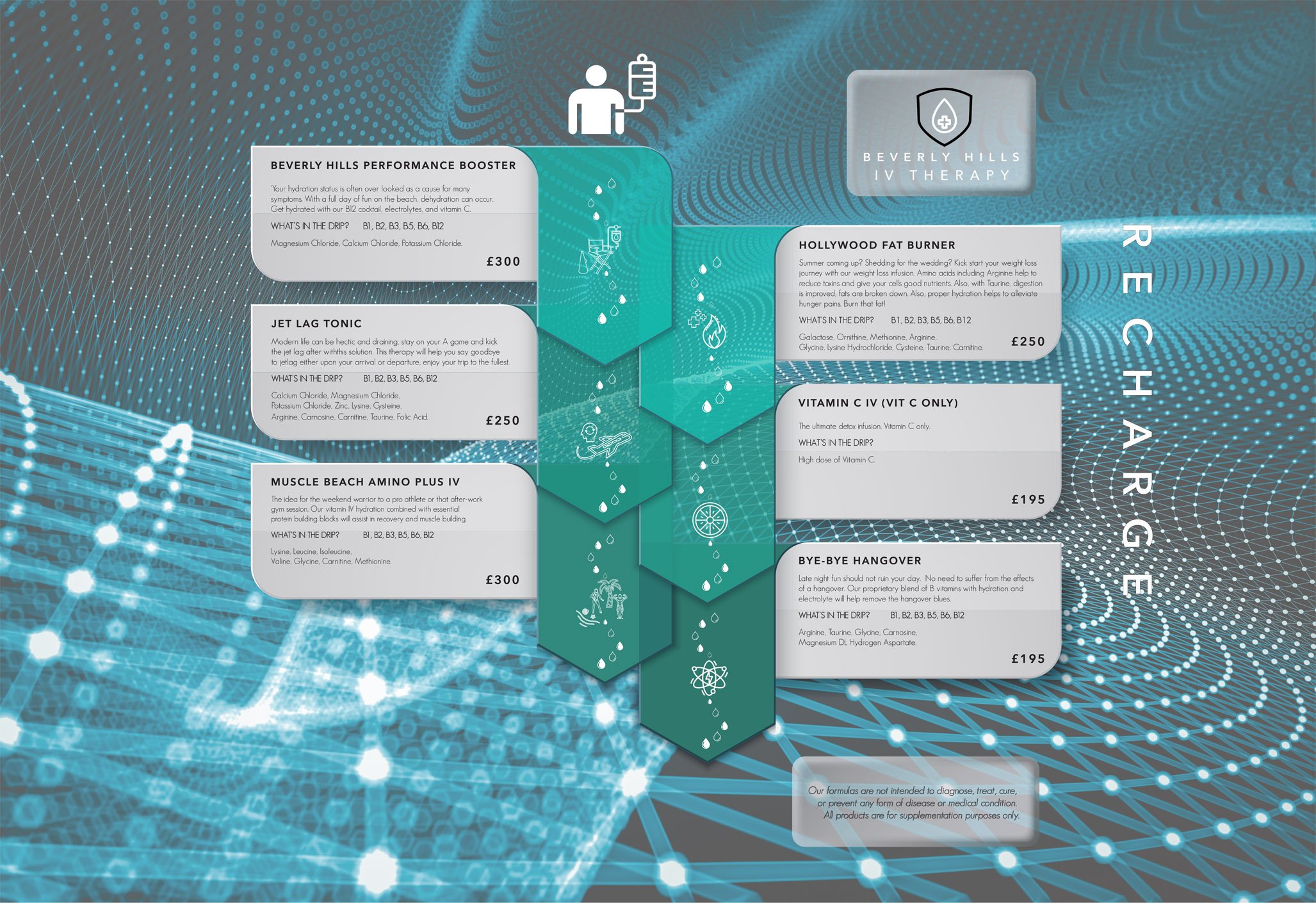
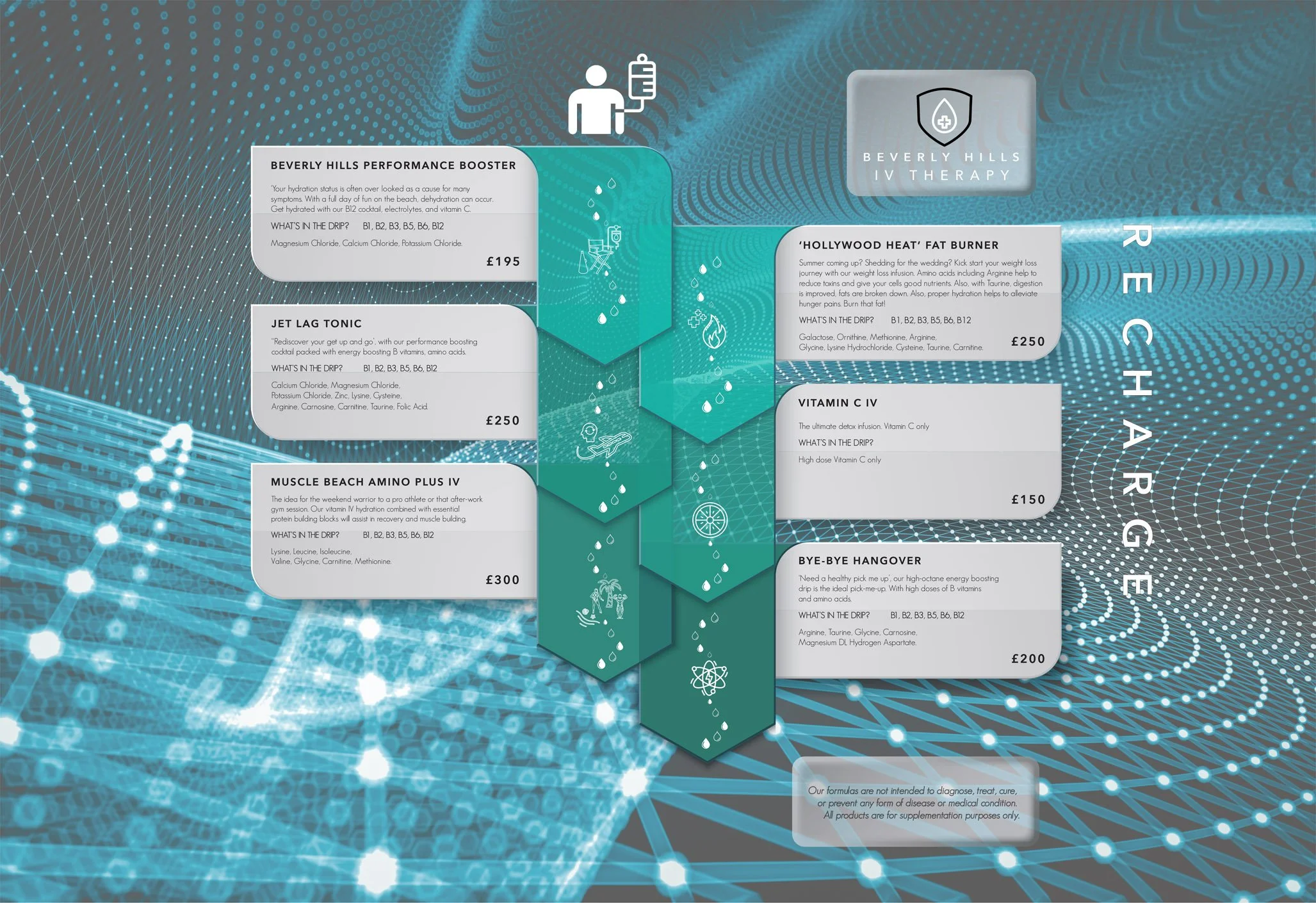
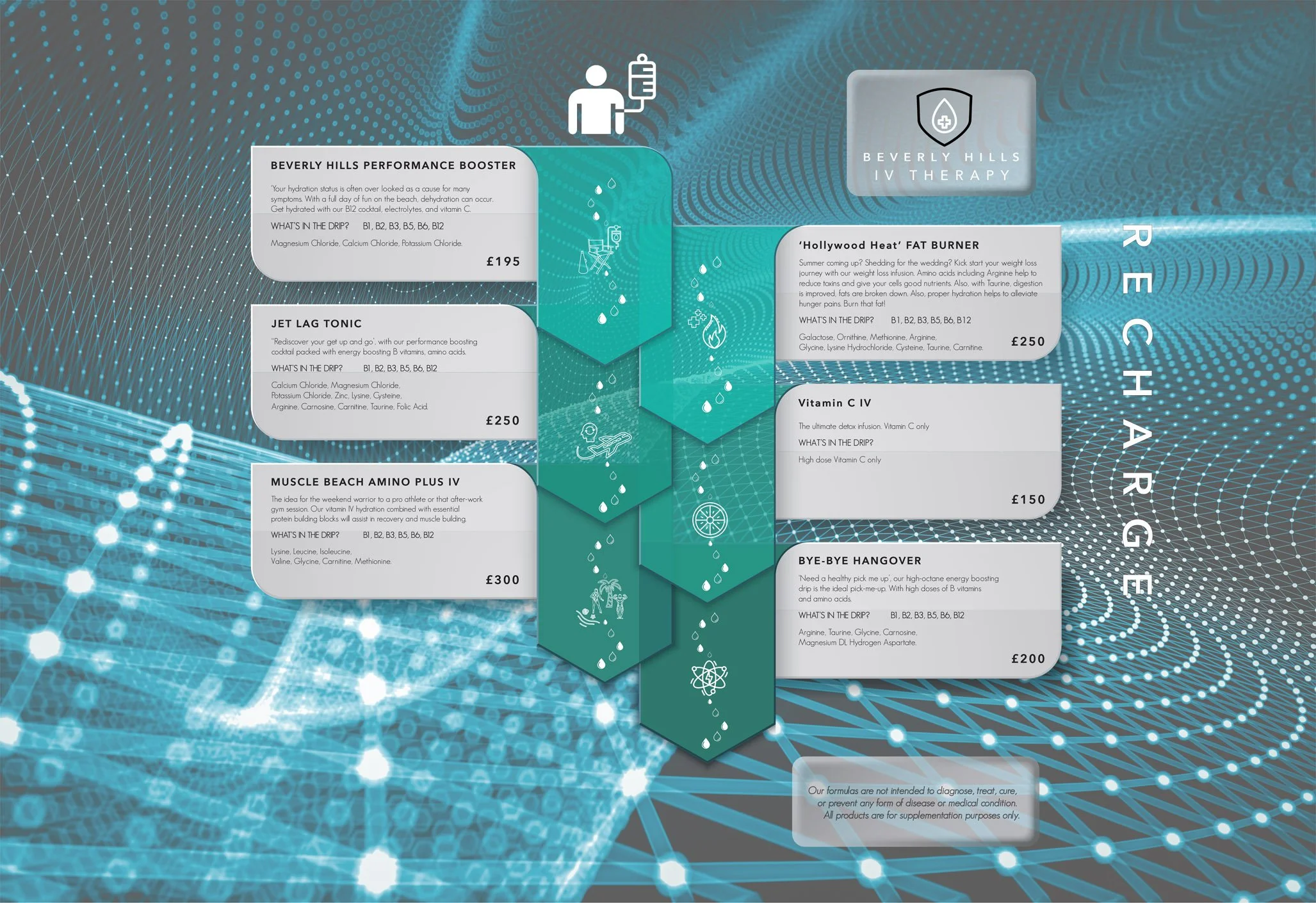
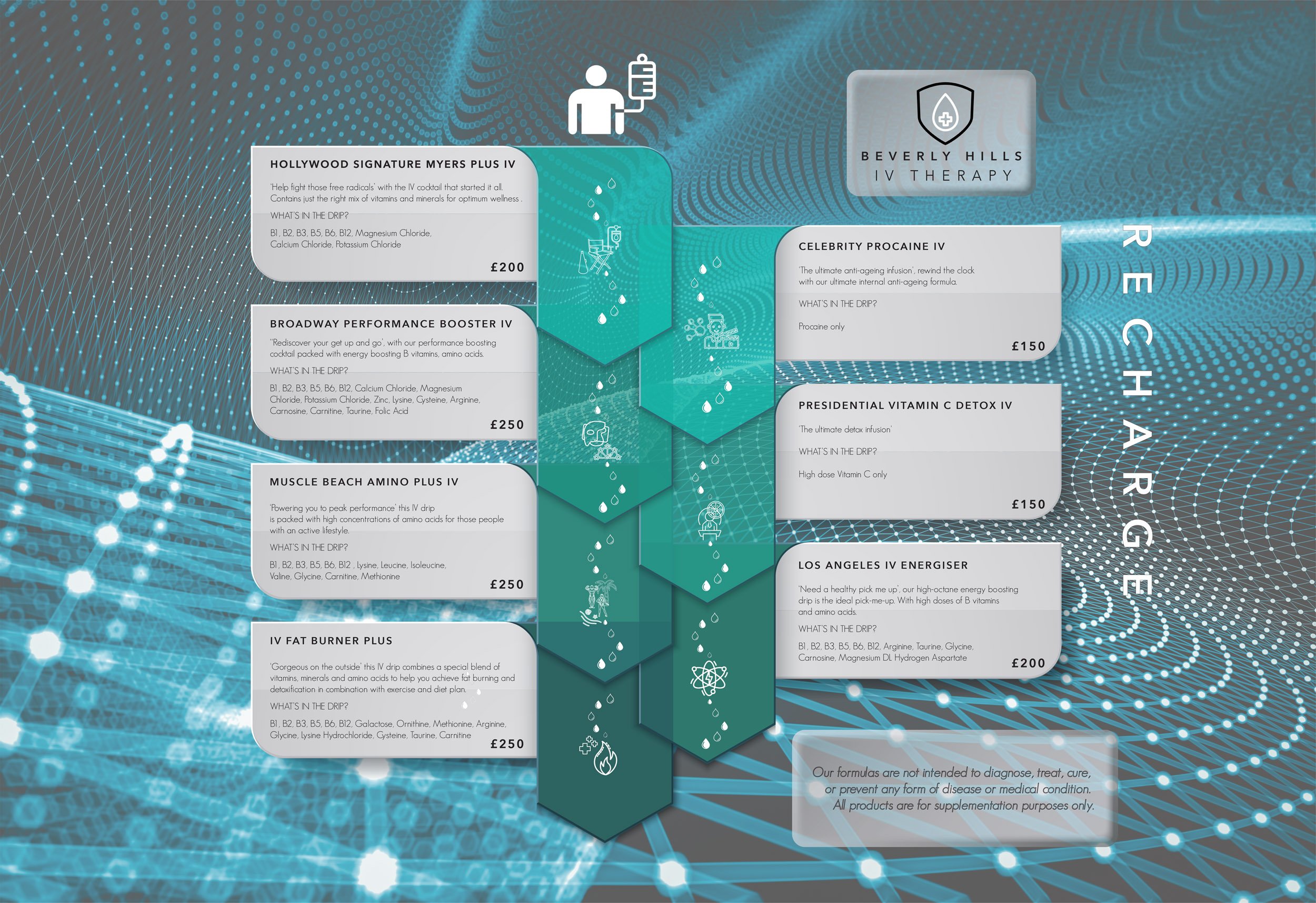
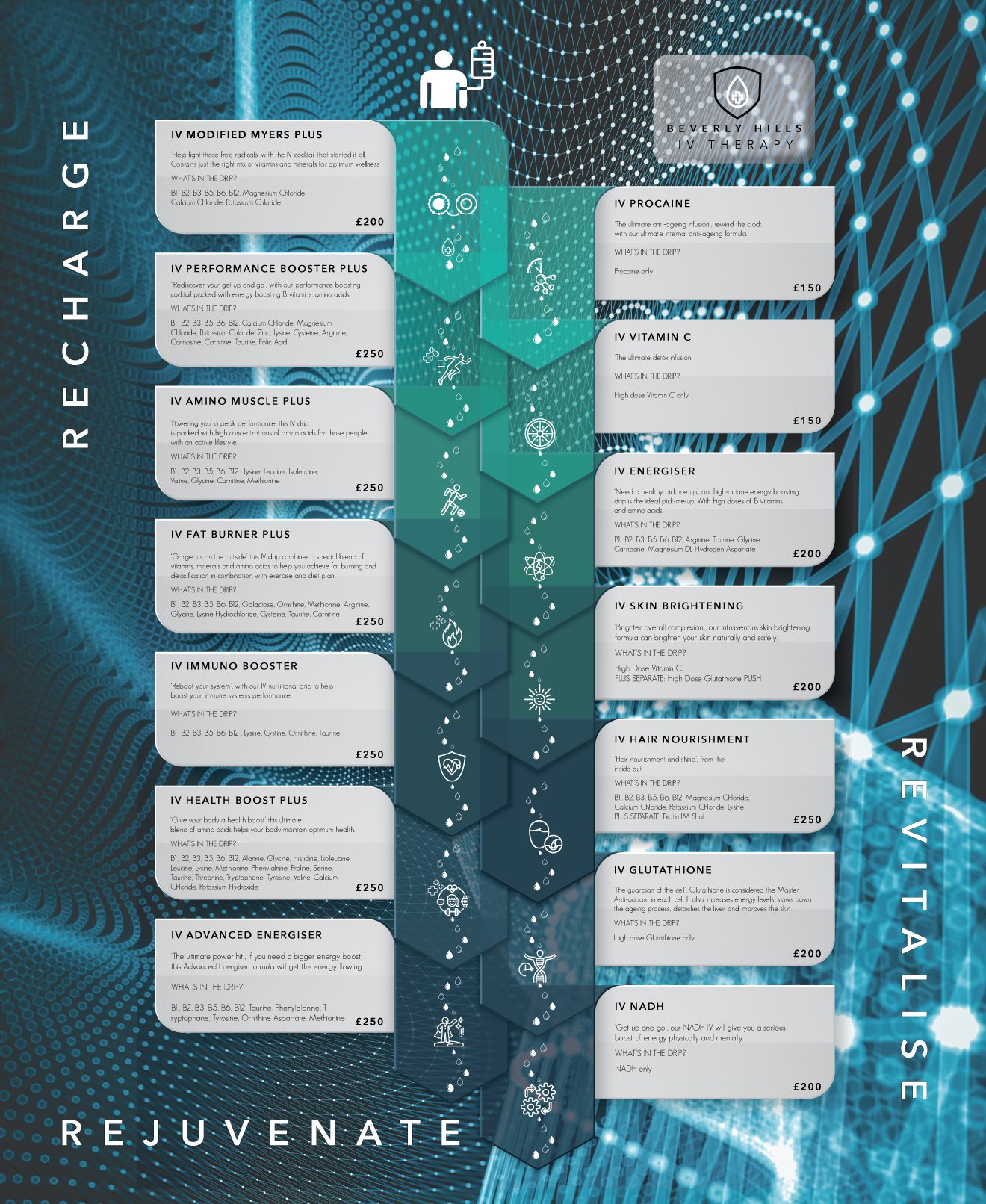
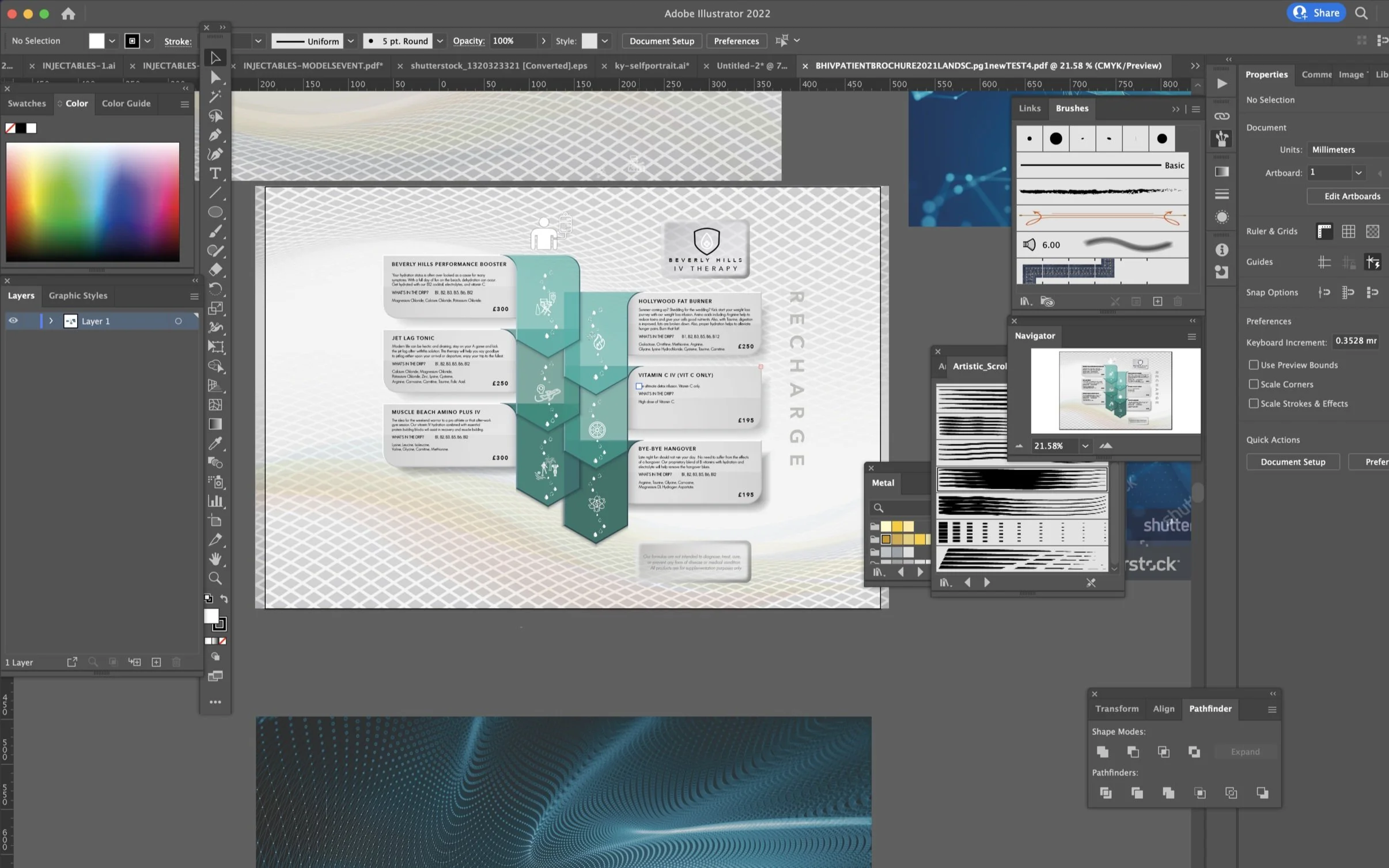
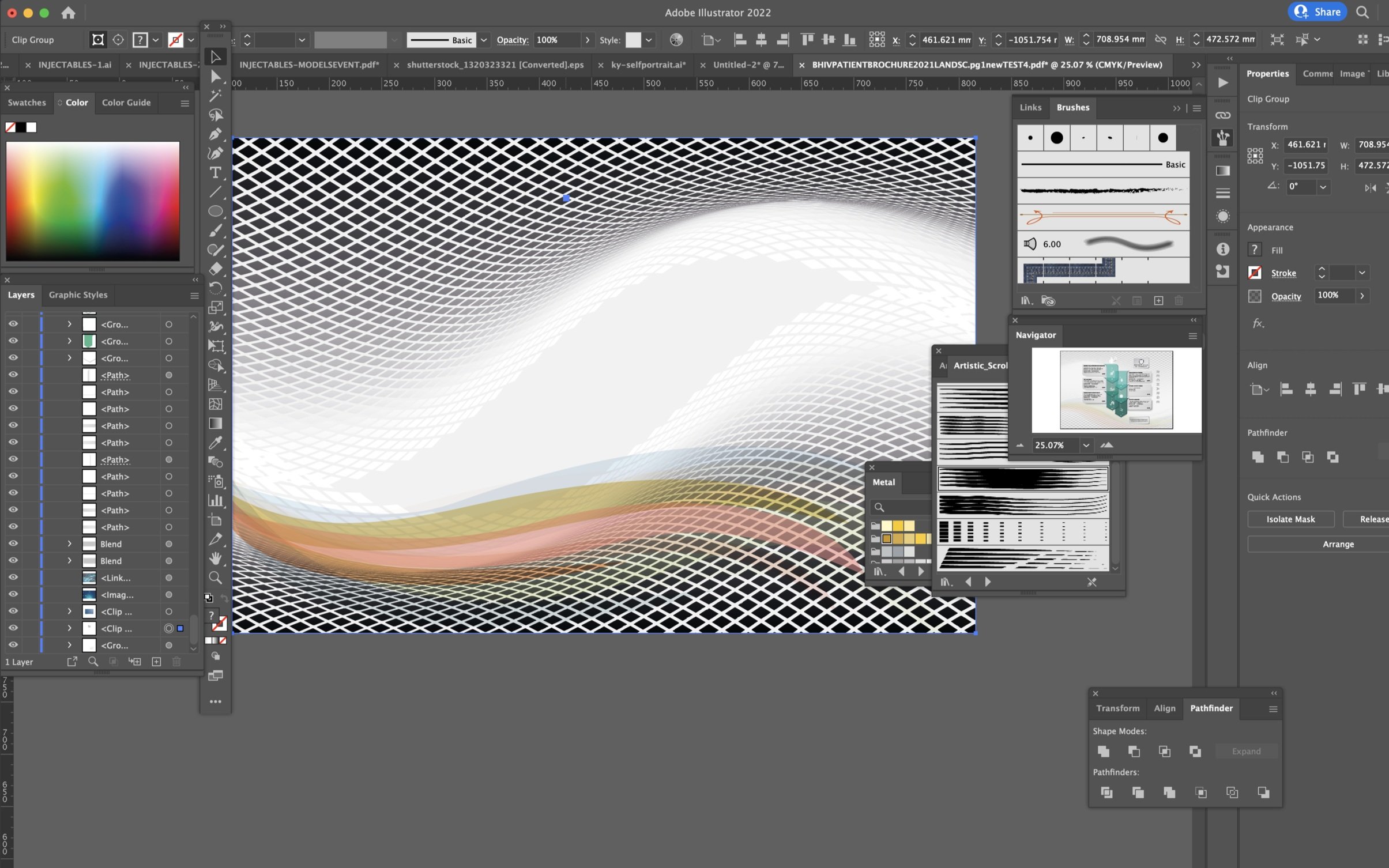
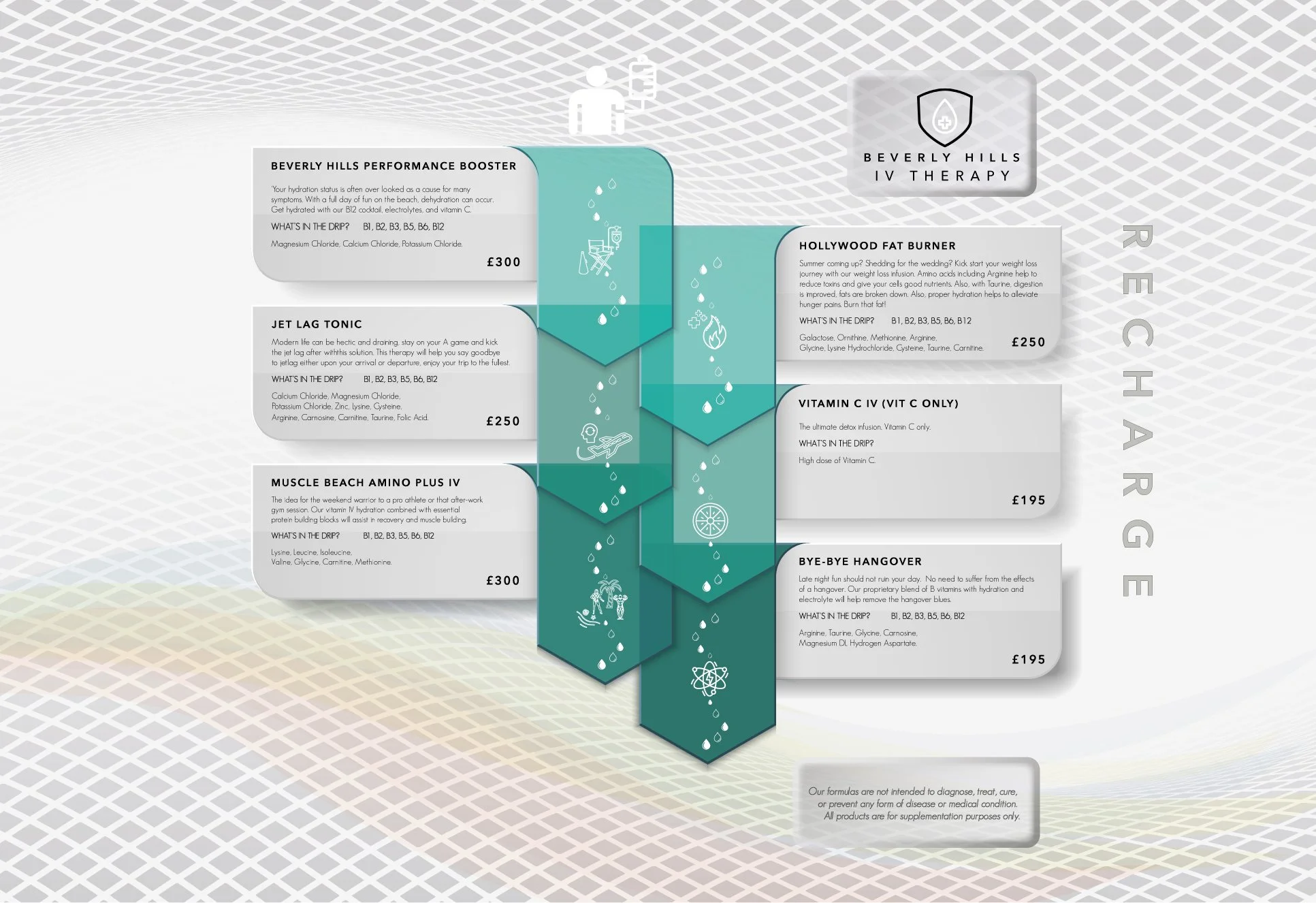
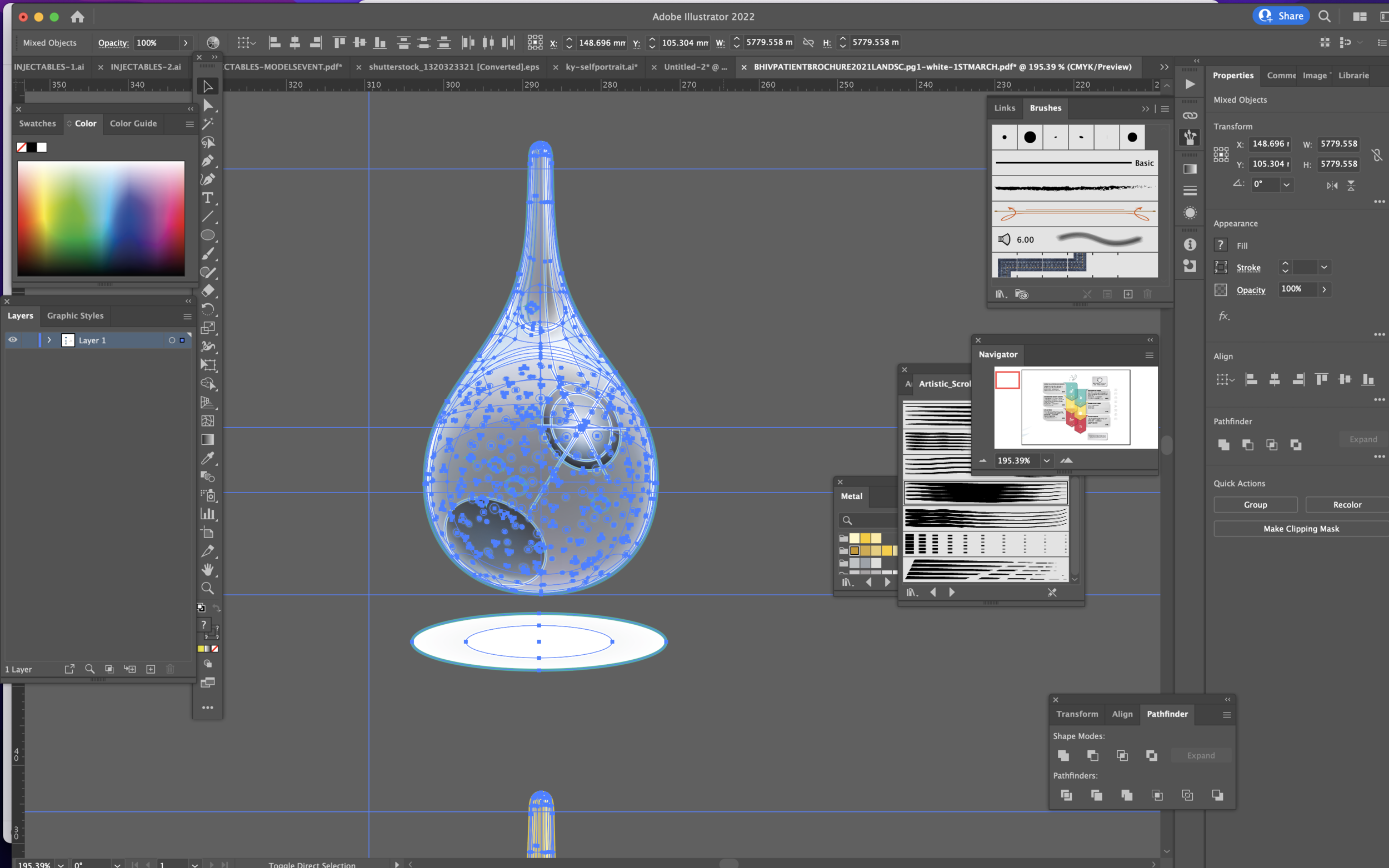
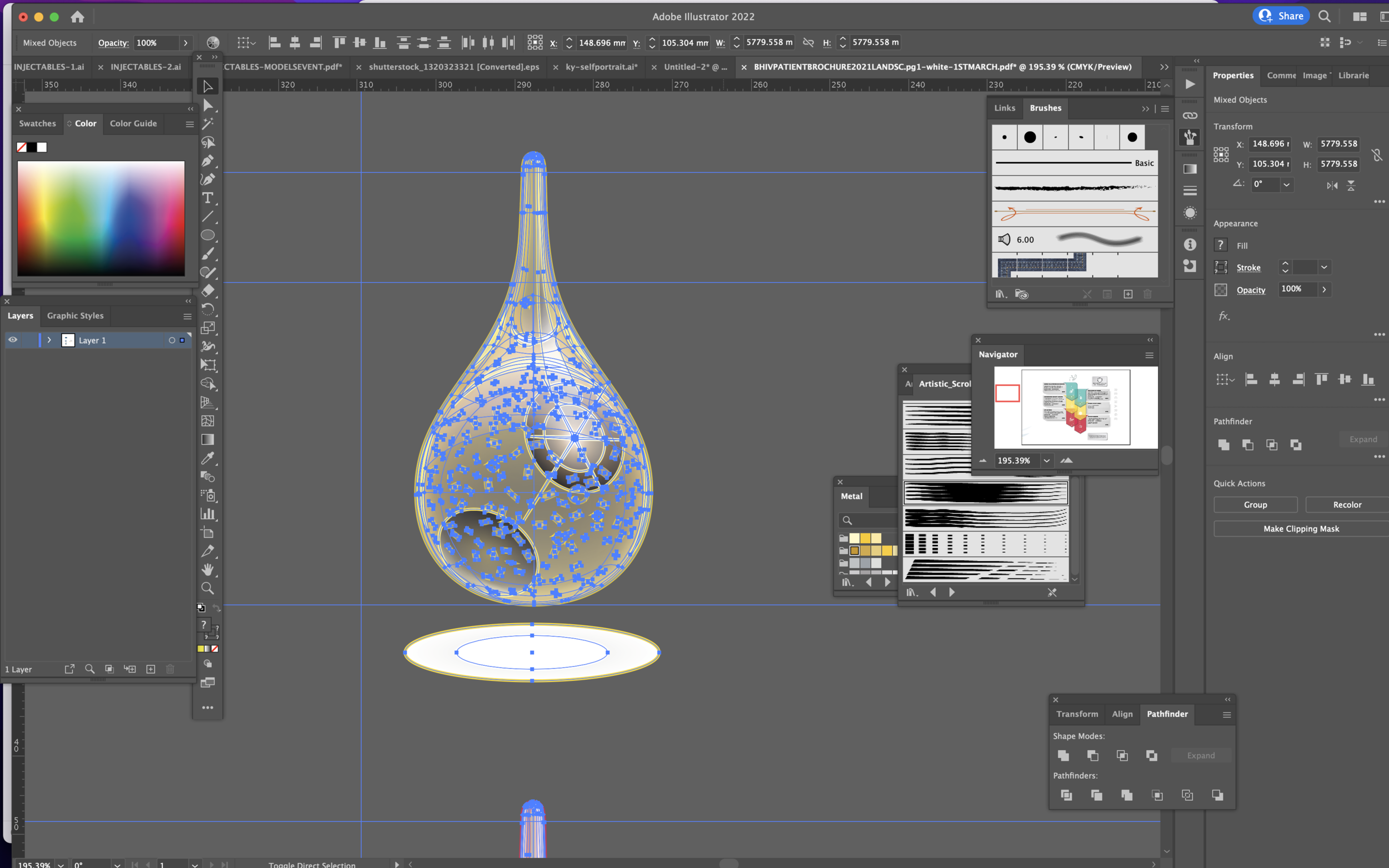
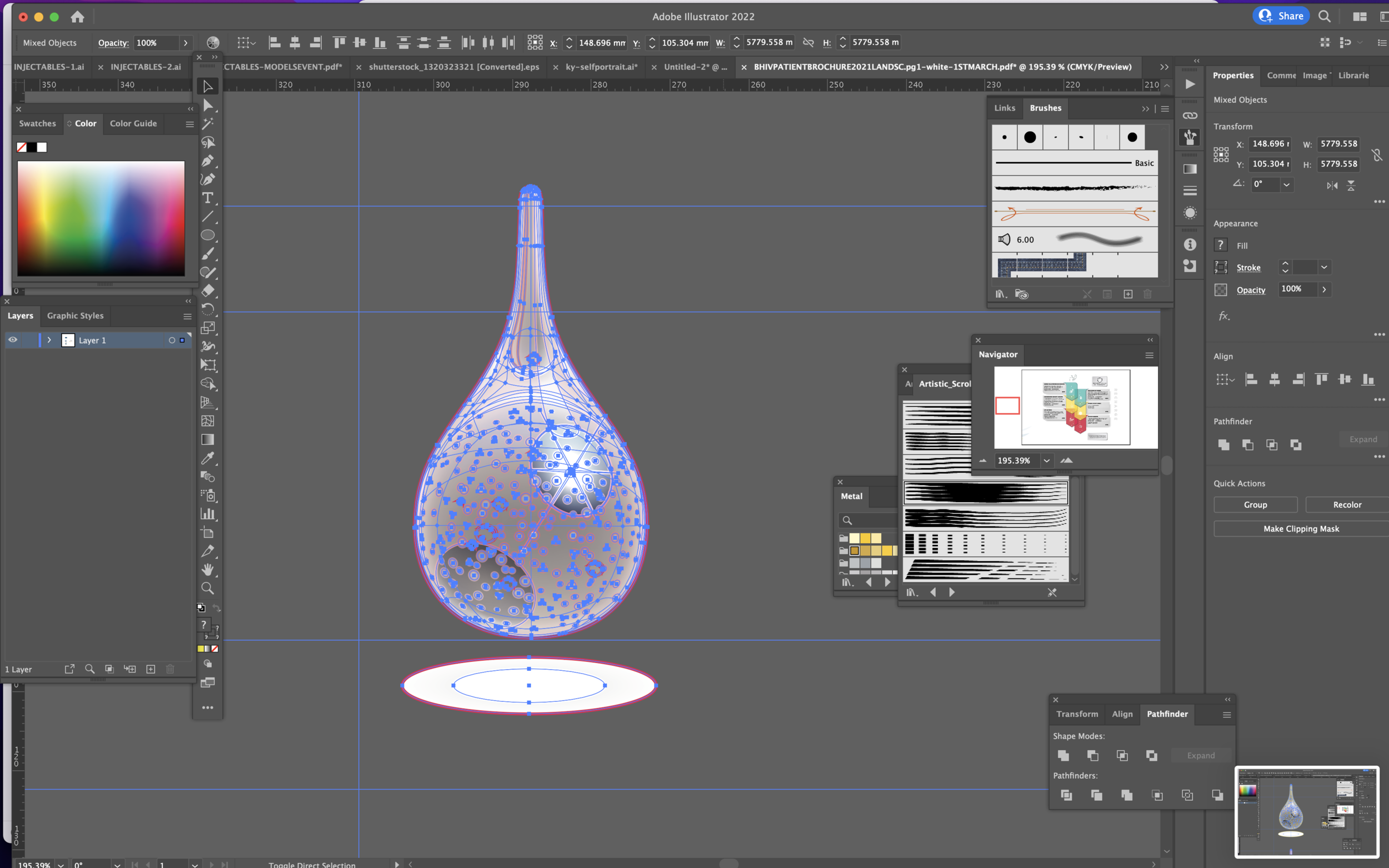
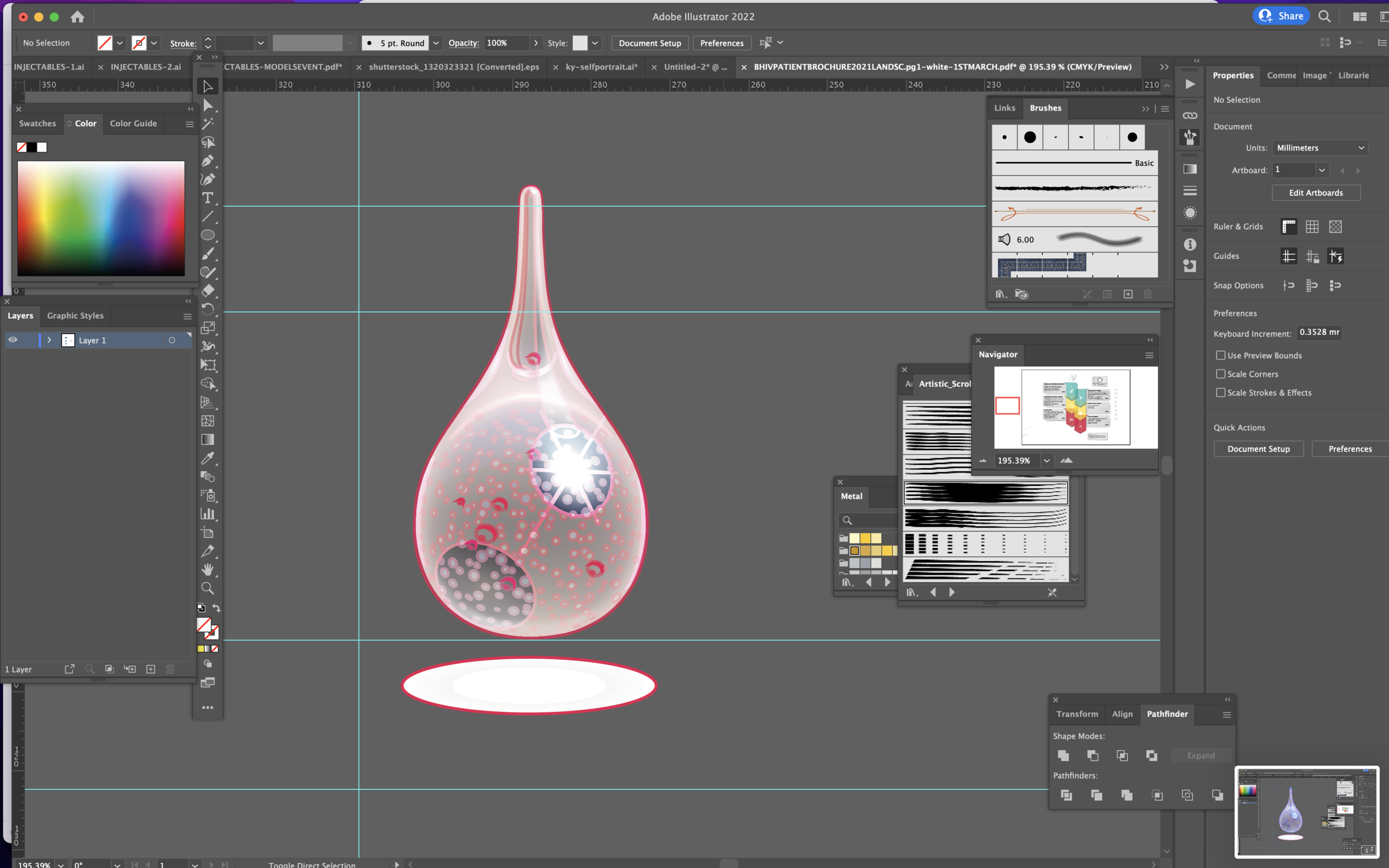
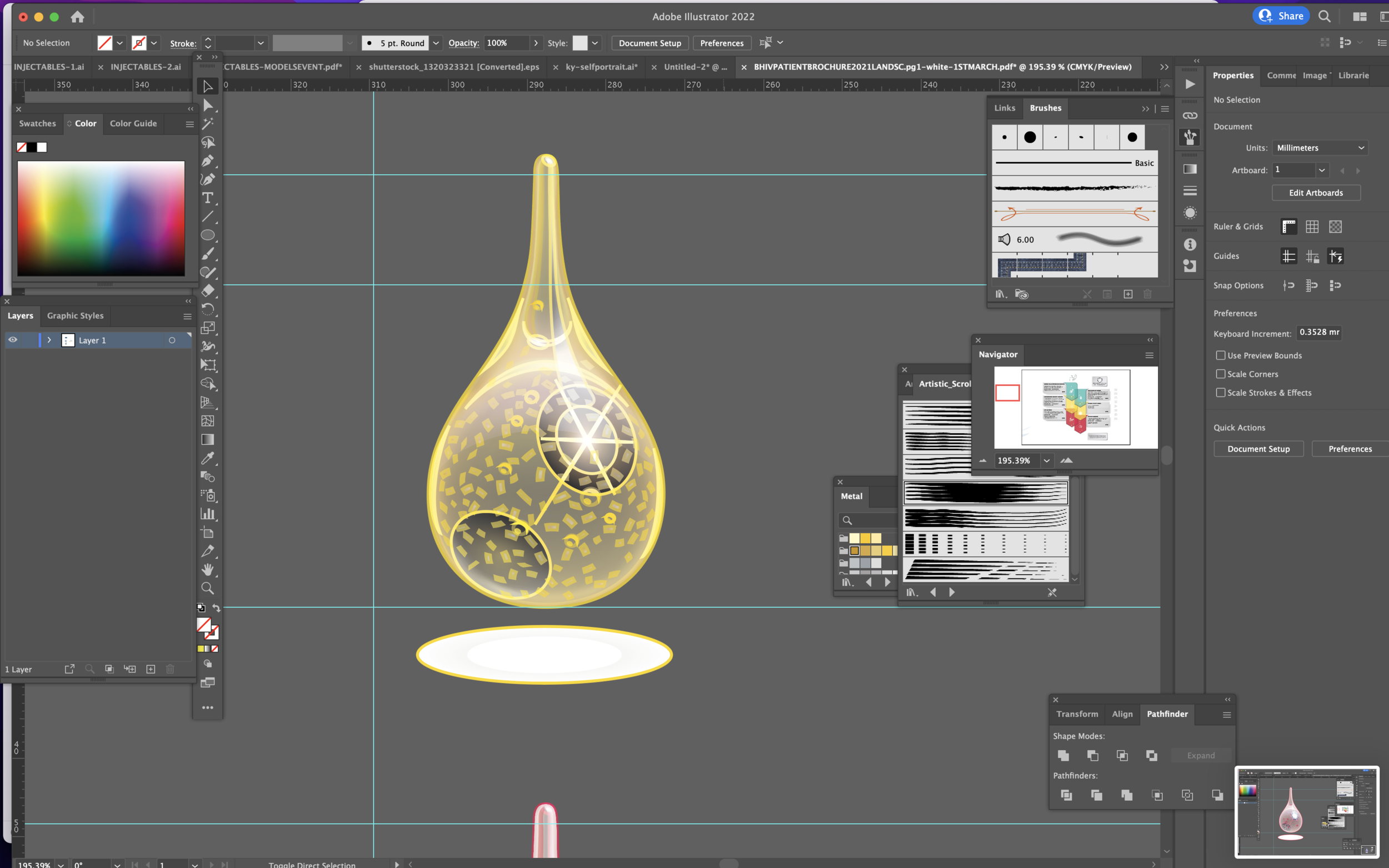
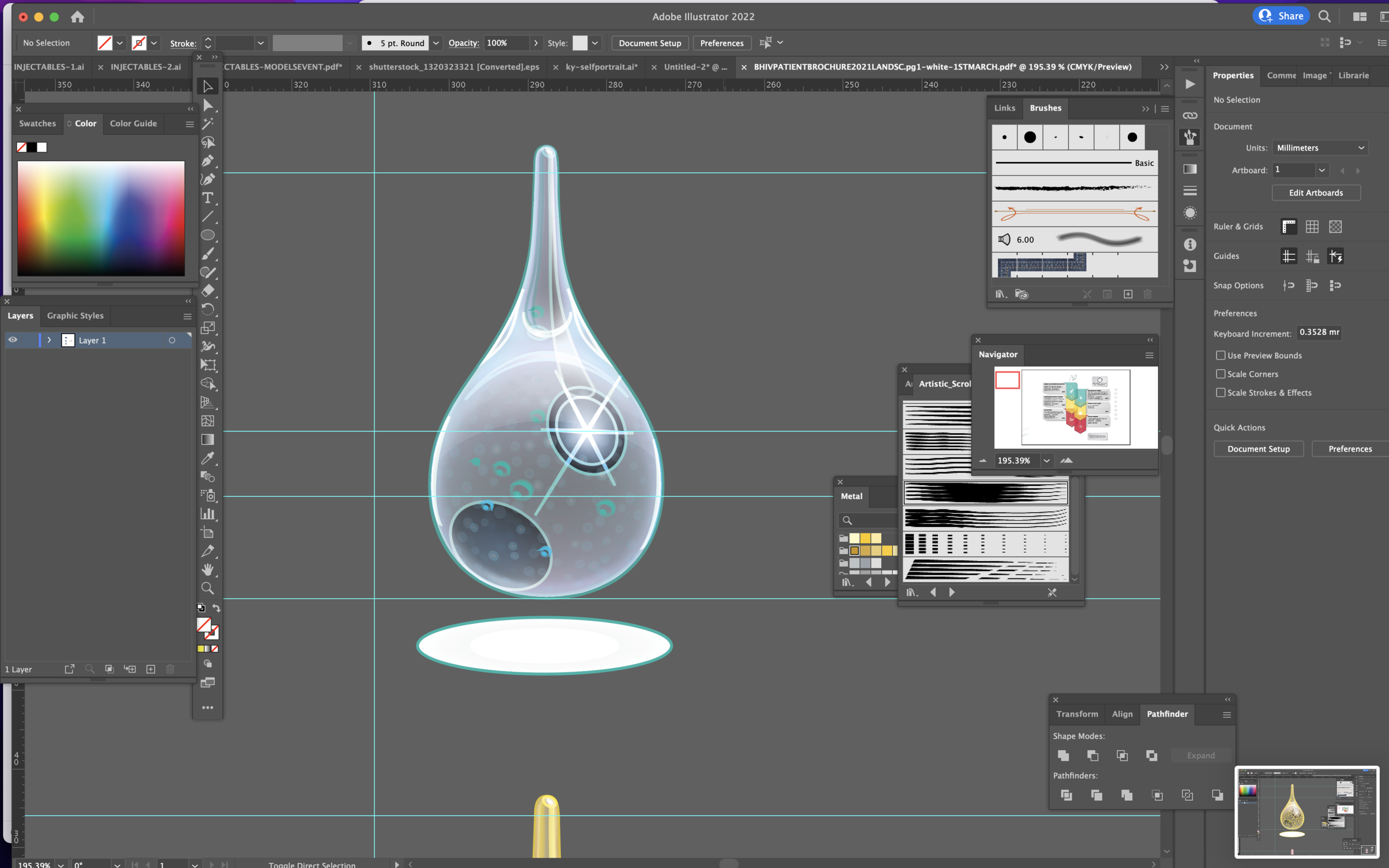
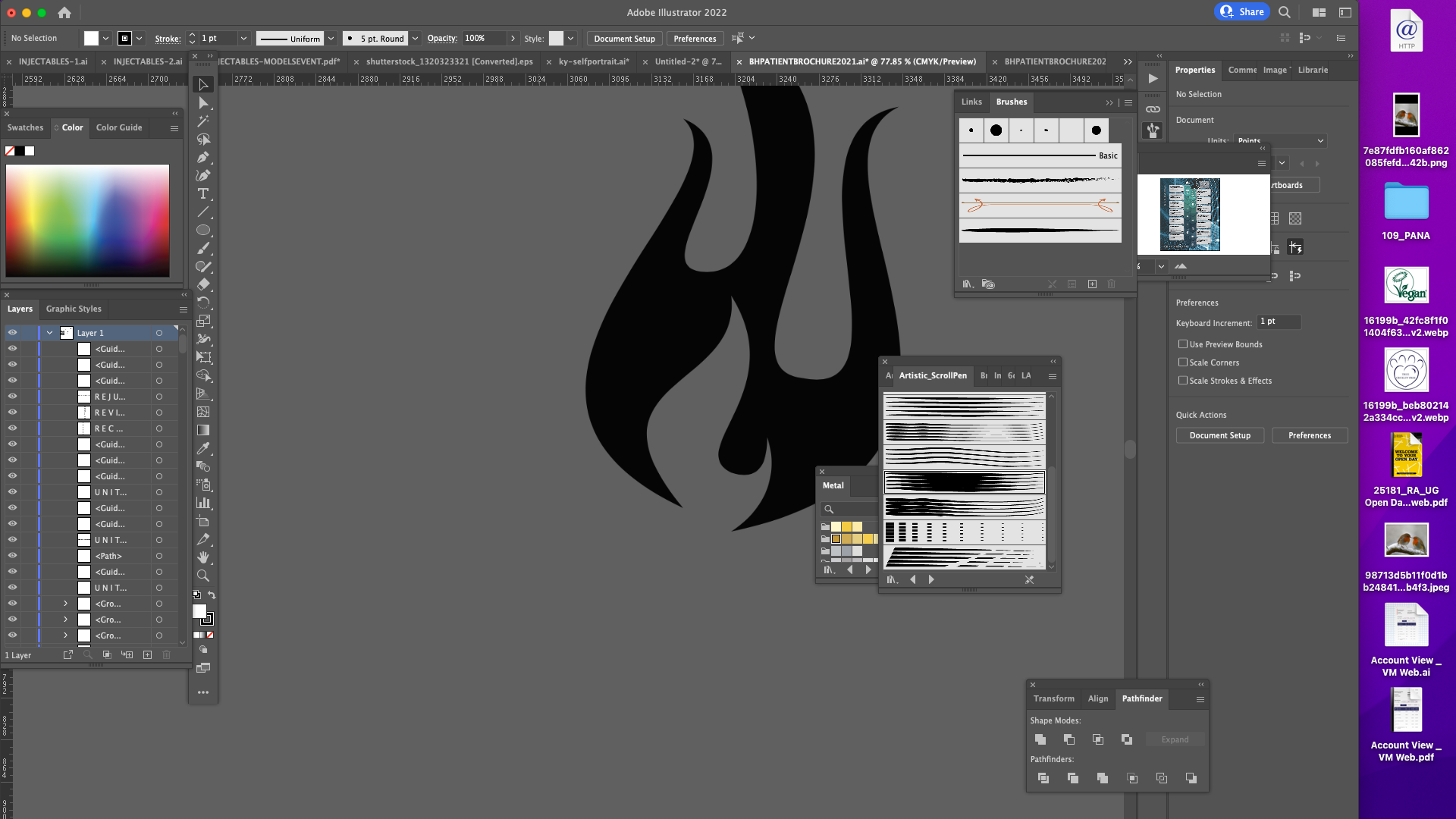
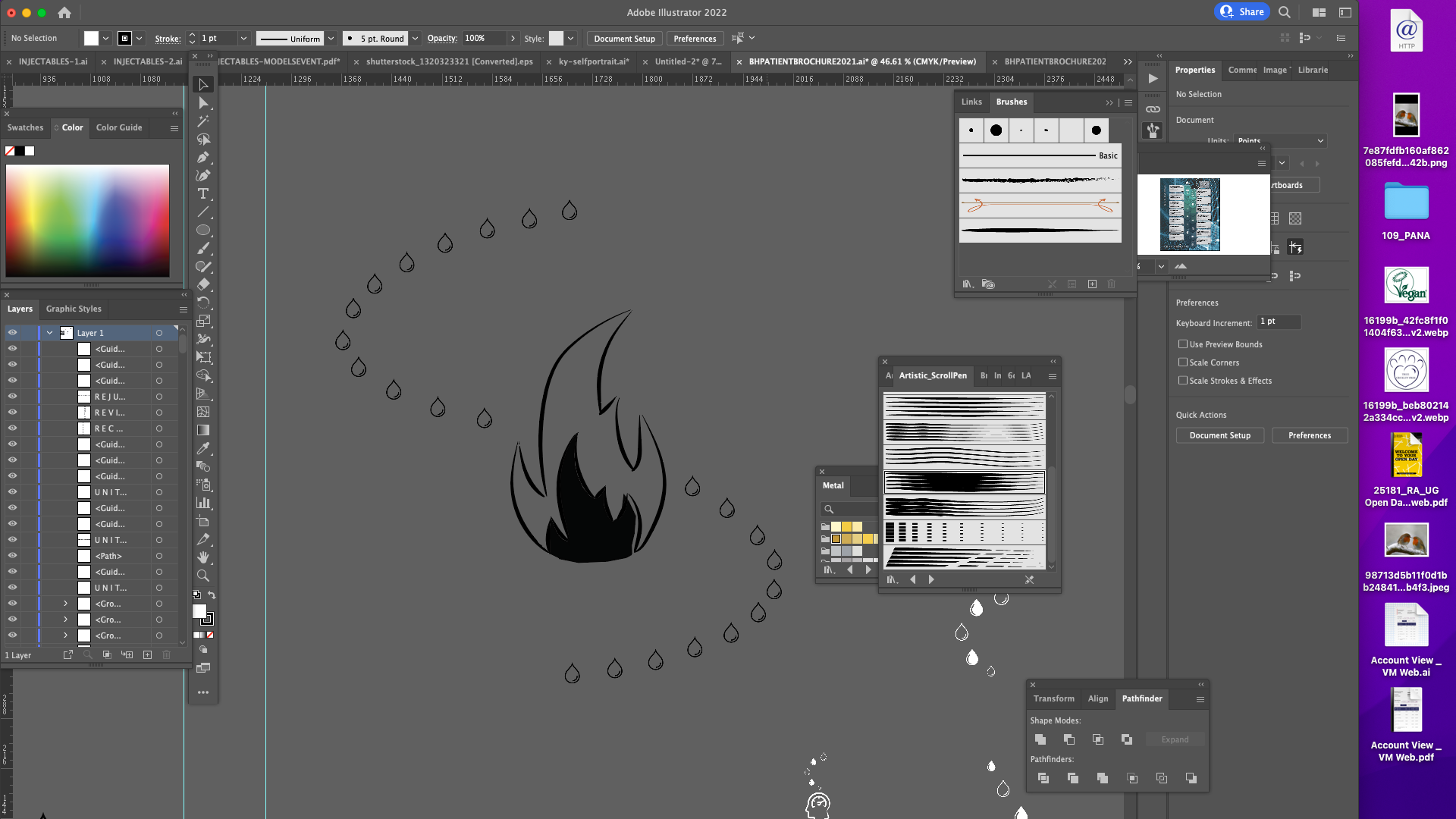
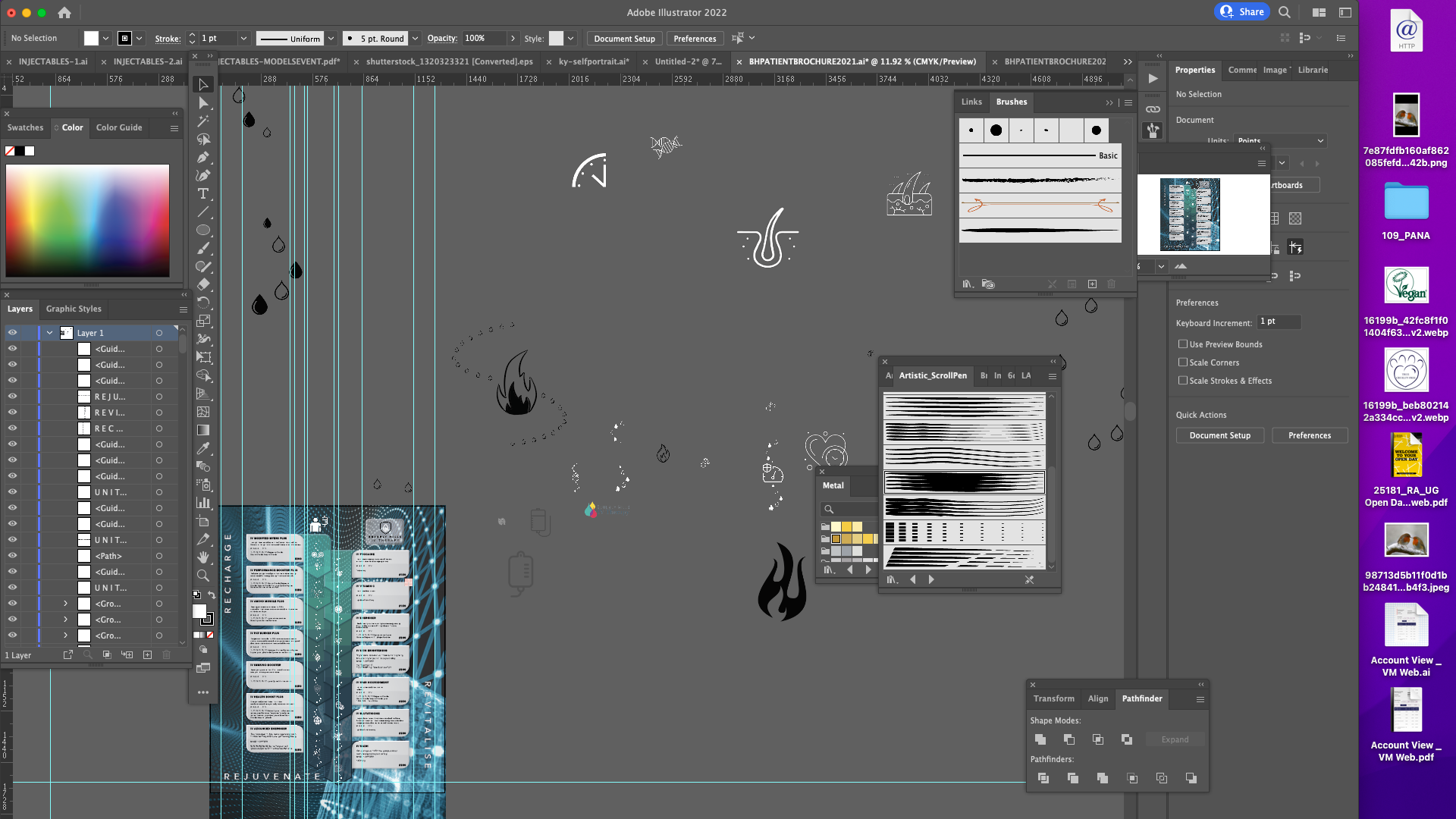













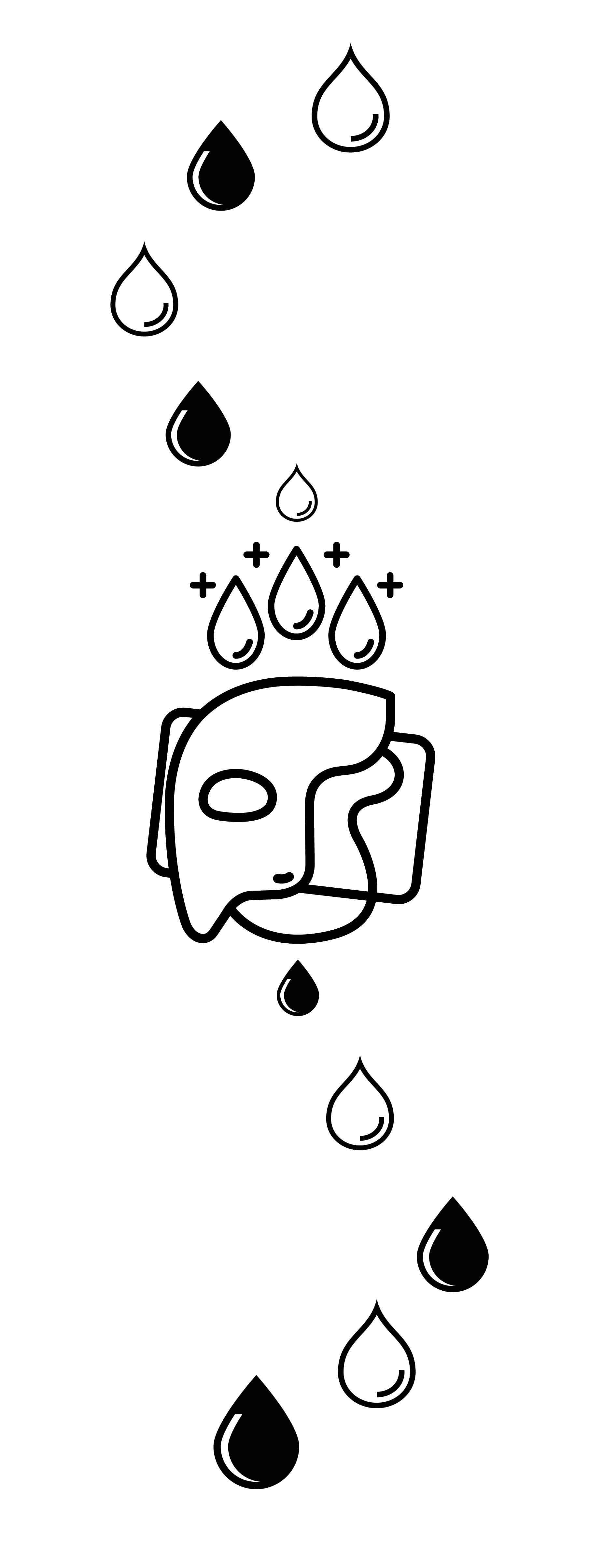

DRAWING SKETCHES AND MENU LOGOS
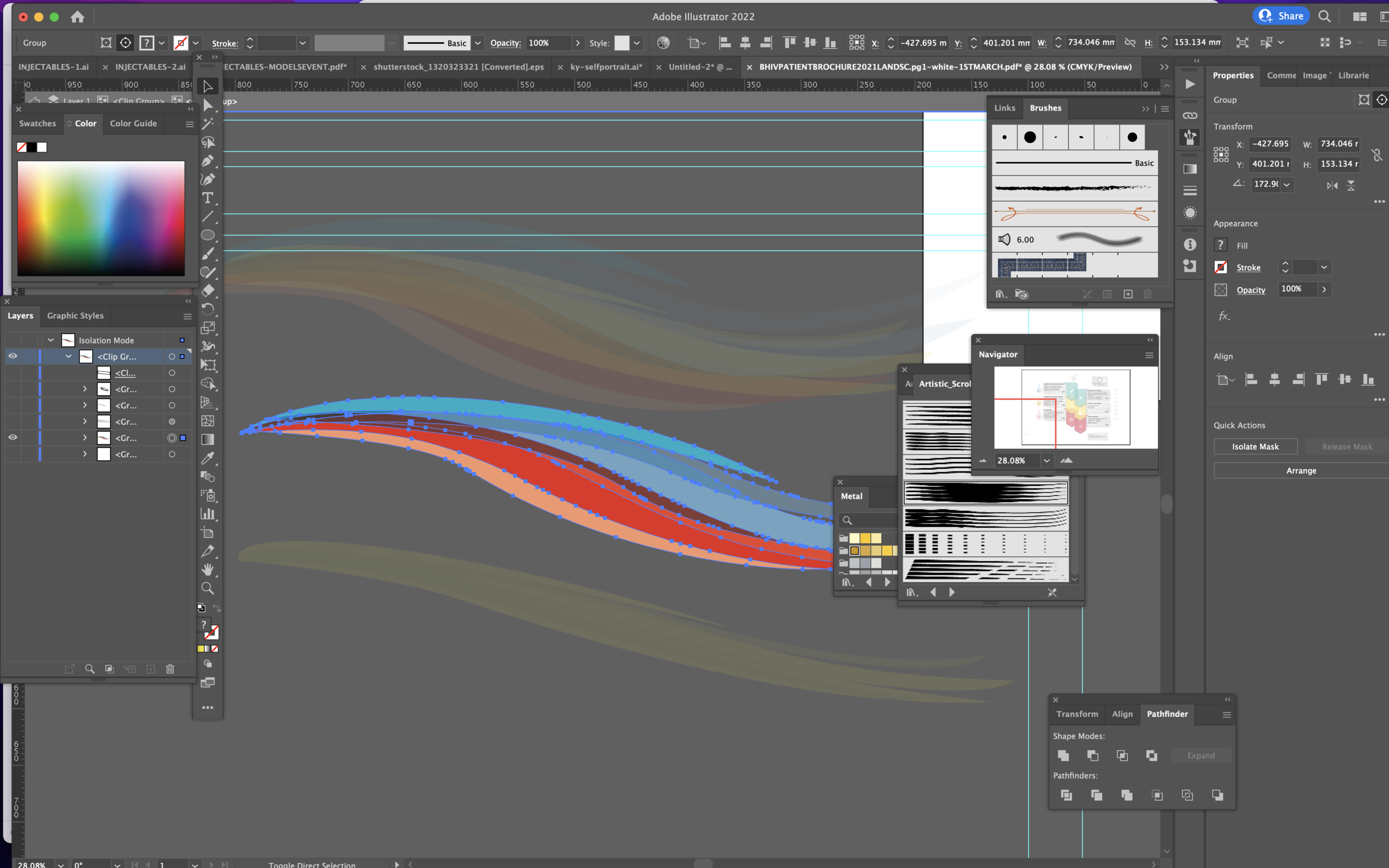
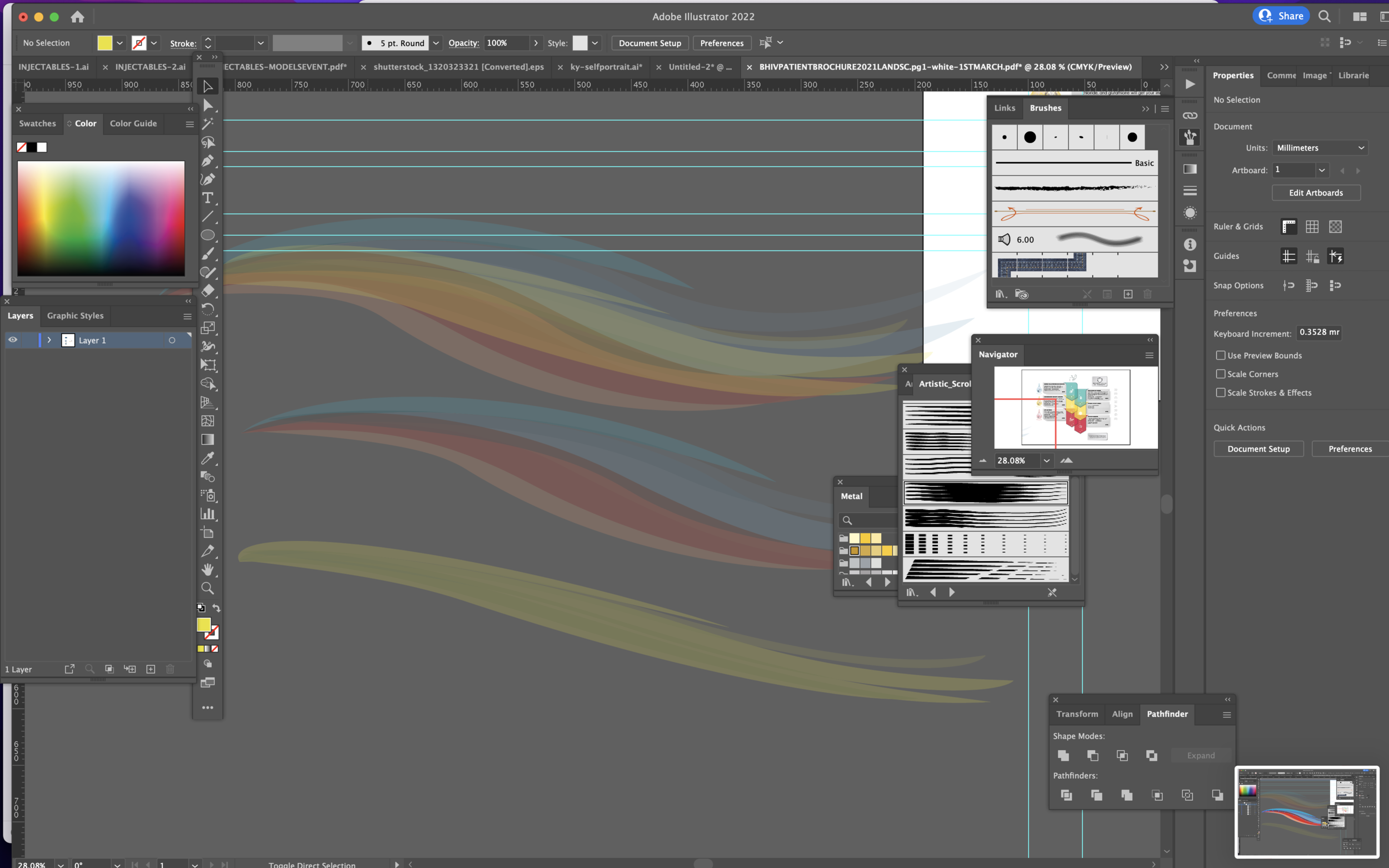
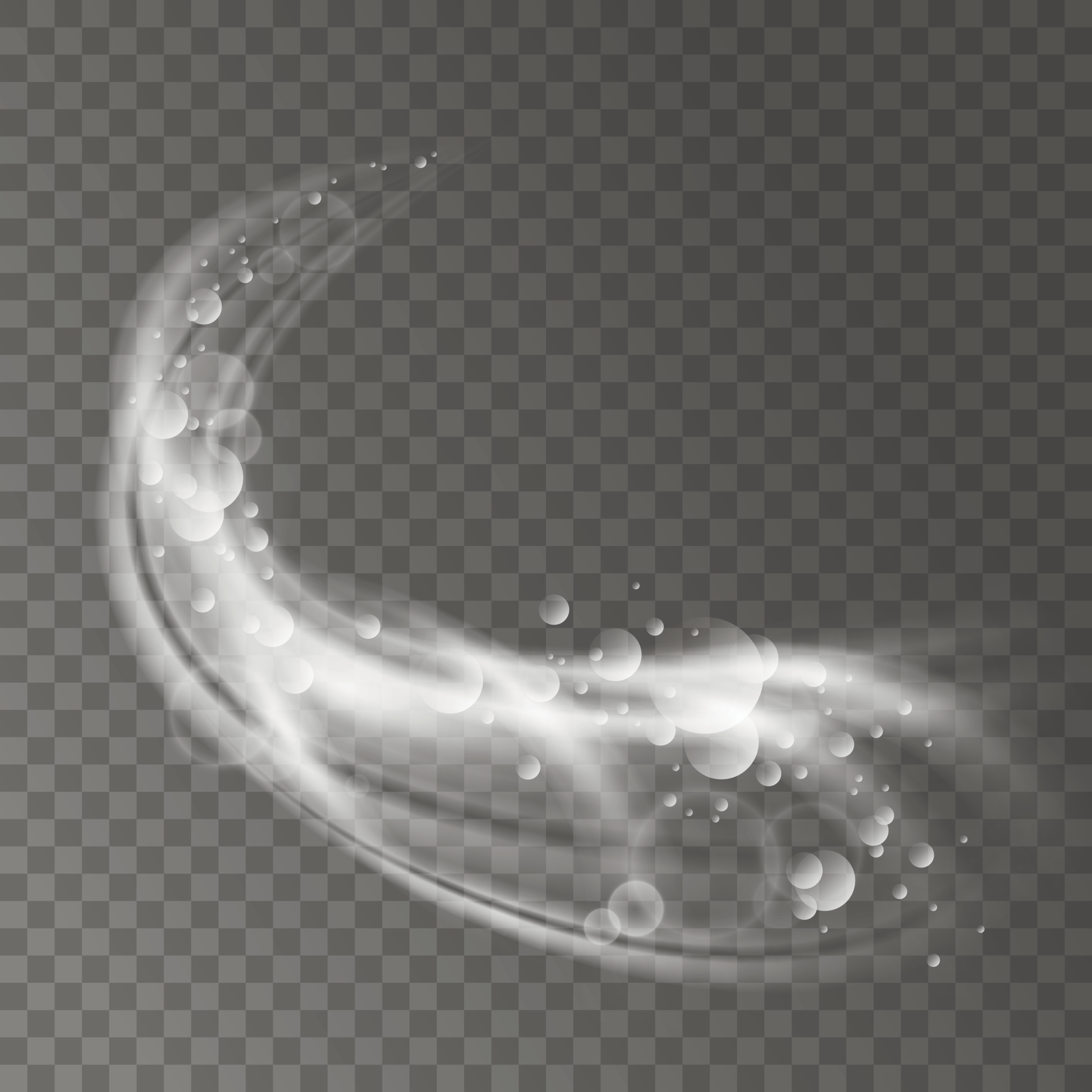
BACKGROUNDS AND GRAPHIC TEXTURES - I search the Internet and came across some fantastic graphic images that I thought were perfect for the concept design of the brochure that I had envisioned, these images were ideal for my background to enable me to create colourful texture that was instantly grabbing, colourful, energetic and full of life.
I was specifically looking for colours that represented the brands three main colours which was the yellow magenta and cyan so I wanted to compliment these with textured backgrounds that gave a feel for this up-and-coming luxury high-end medical brand. I combined these textures over the top of one another creating textures upon textures to create more than just the images so as I did not create these graphic effects I wanted to make them my own so I edited the originals using Photoshop to recomposition, change lighting, opacity and lighting effects.




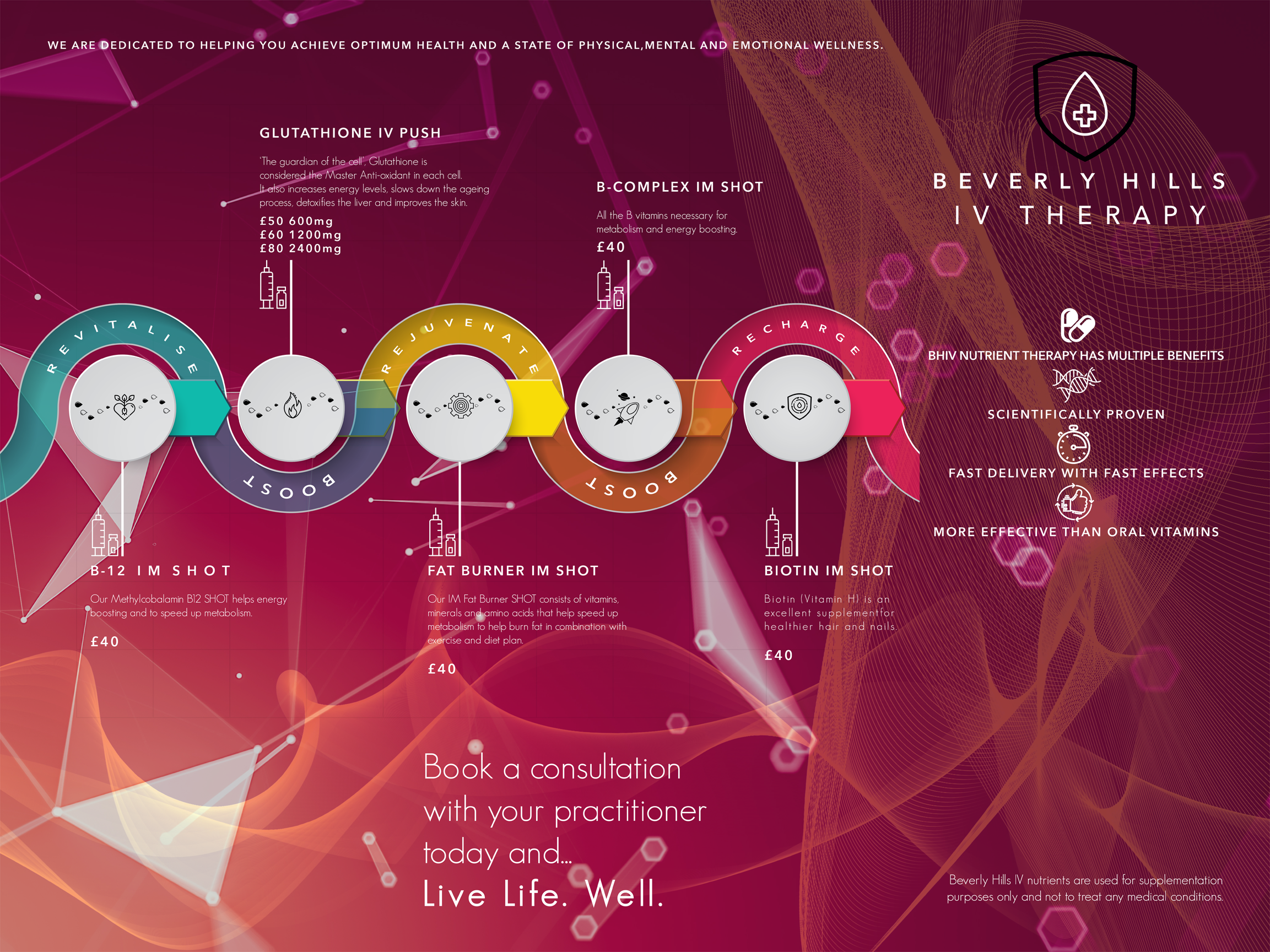
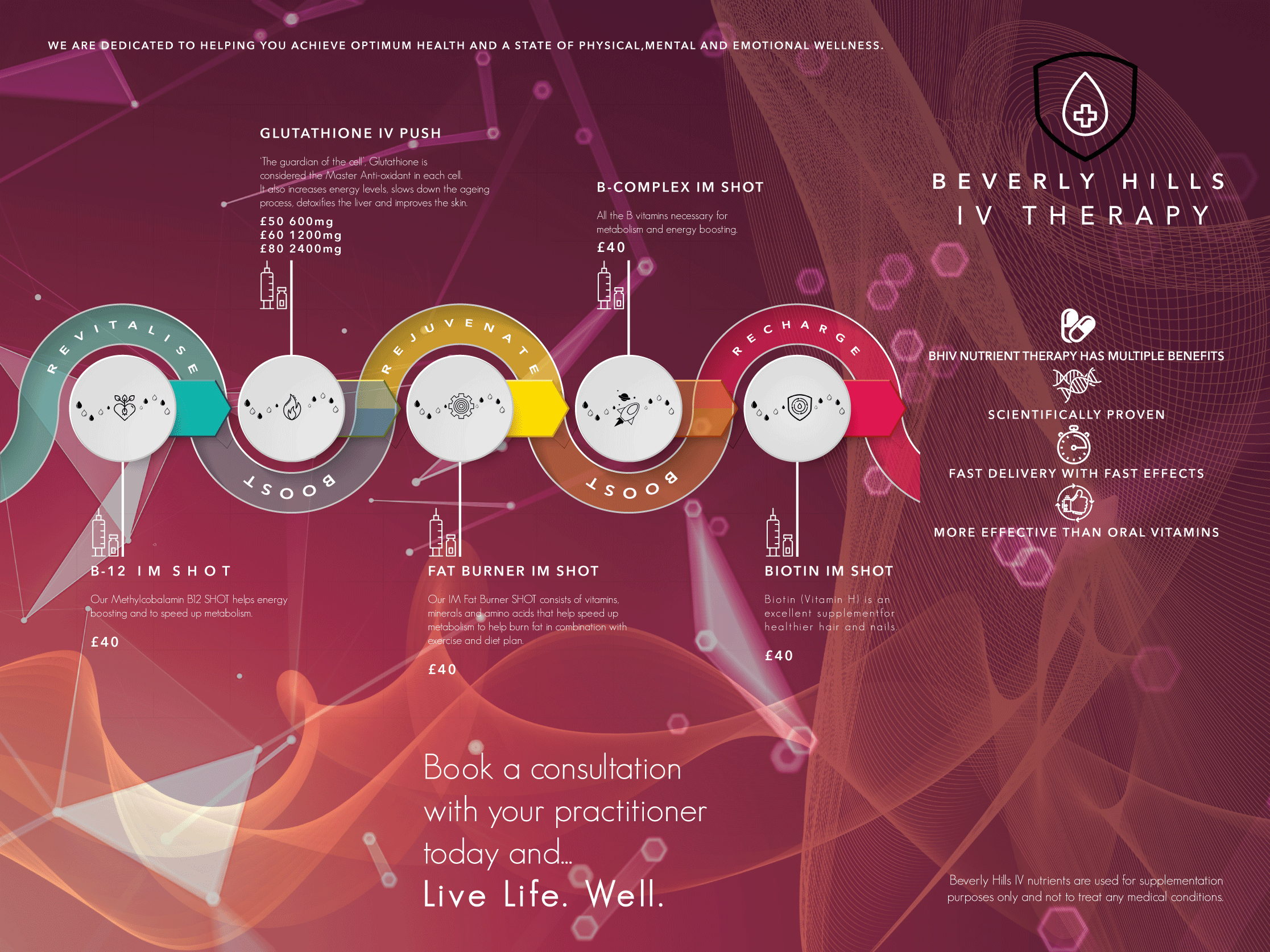
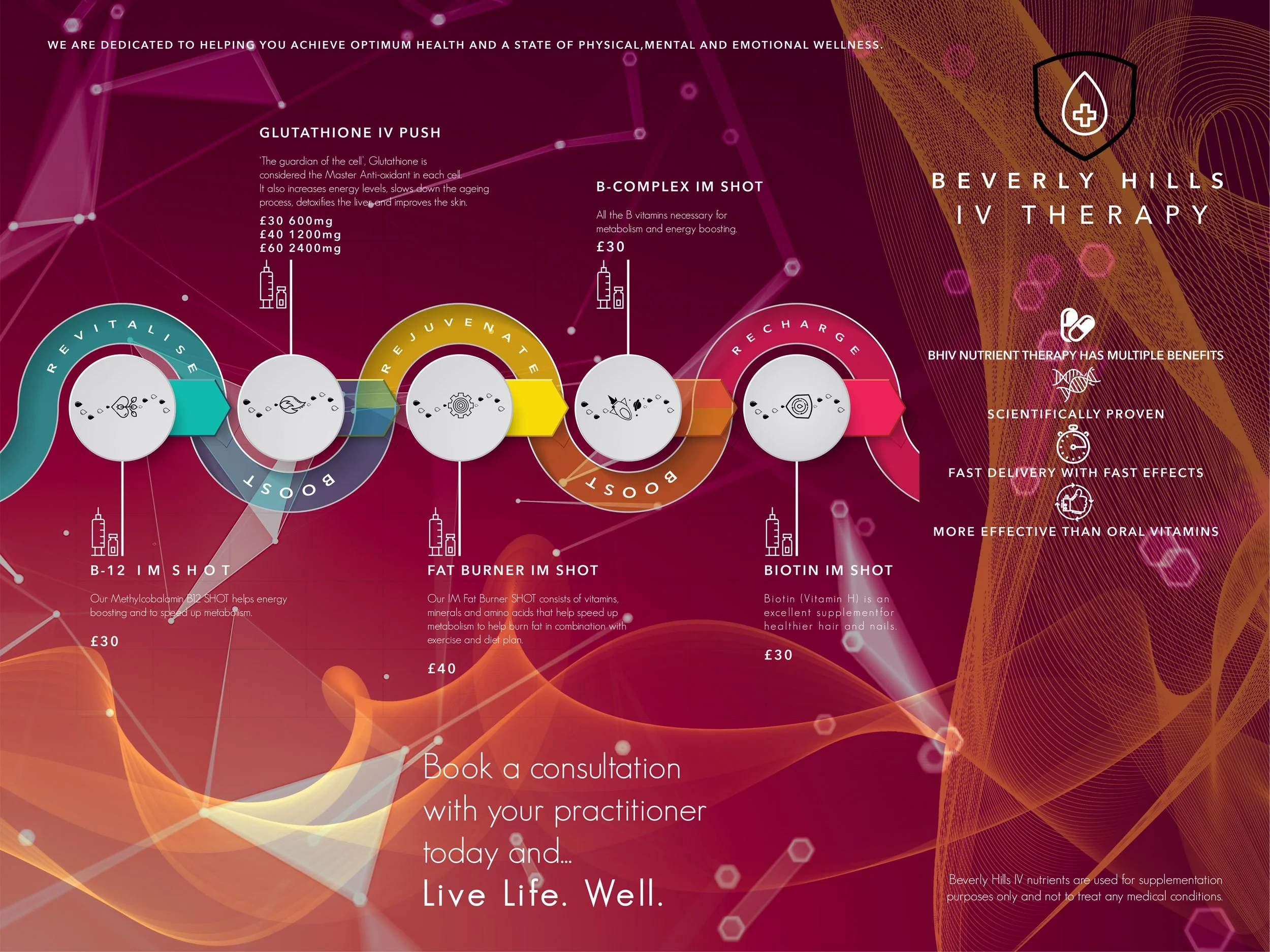
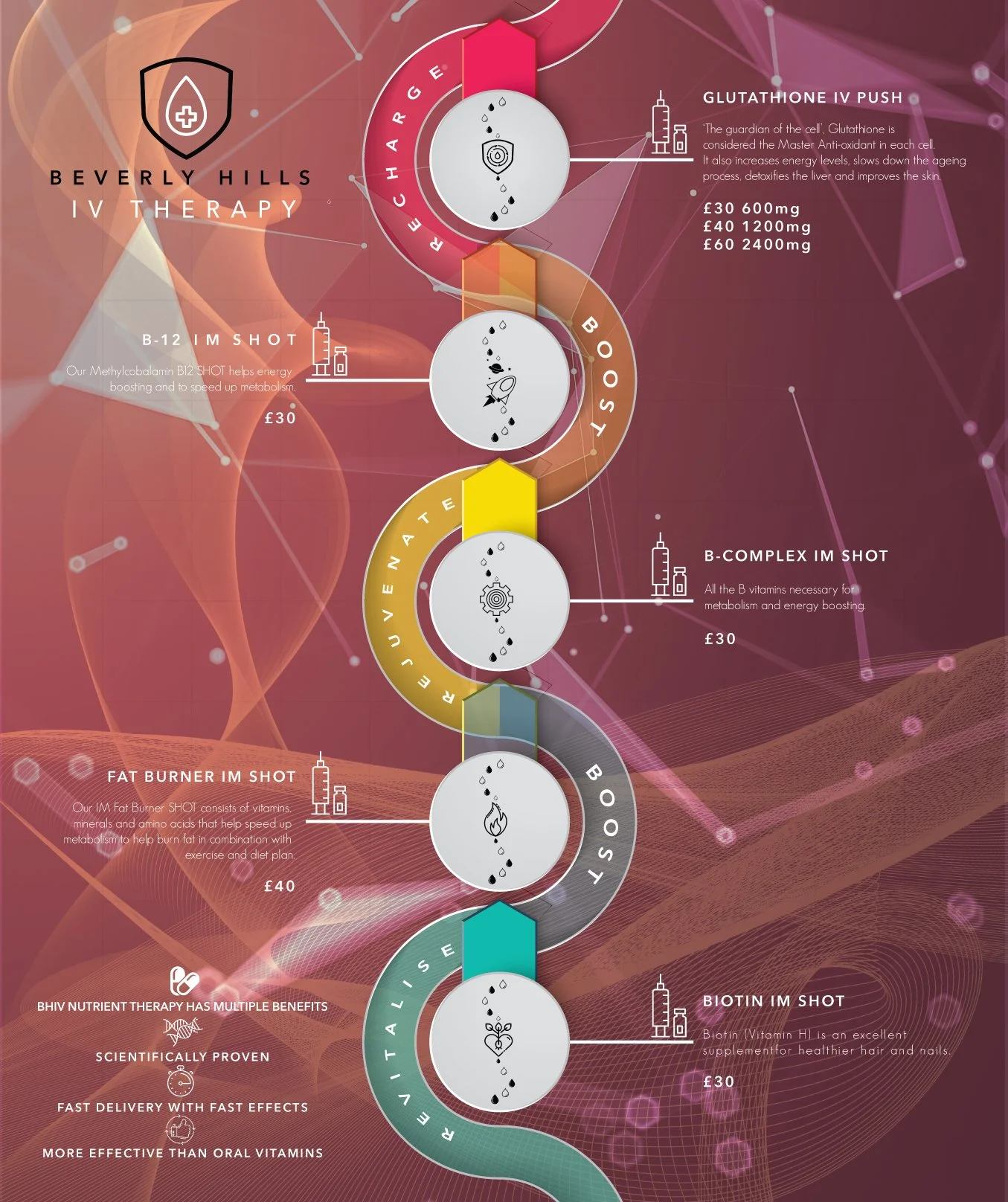
COLOUR PALLETS AND BACKGROUNDS
Here I am looking at different options for the background to the main internal menu for the BHIV services.
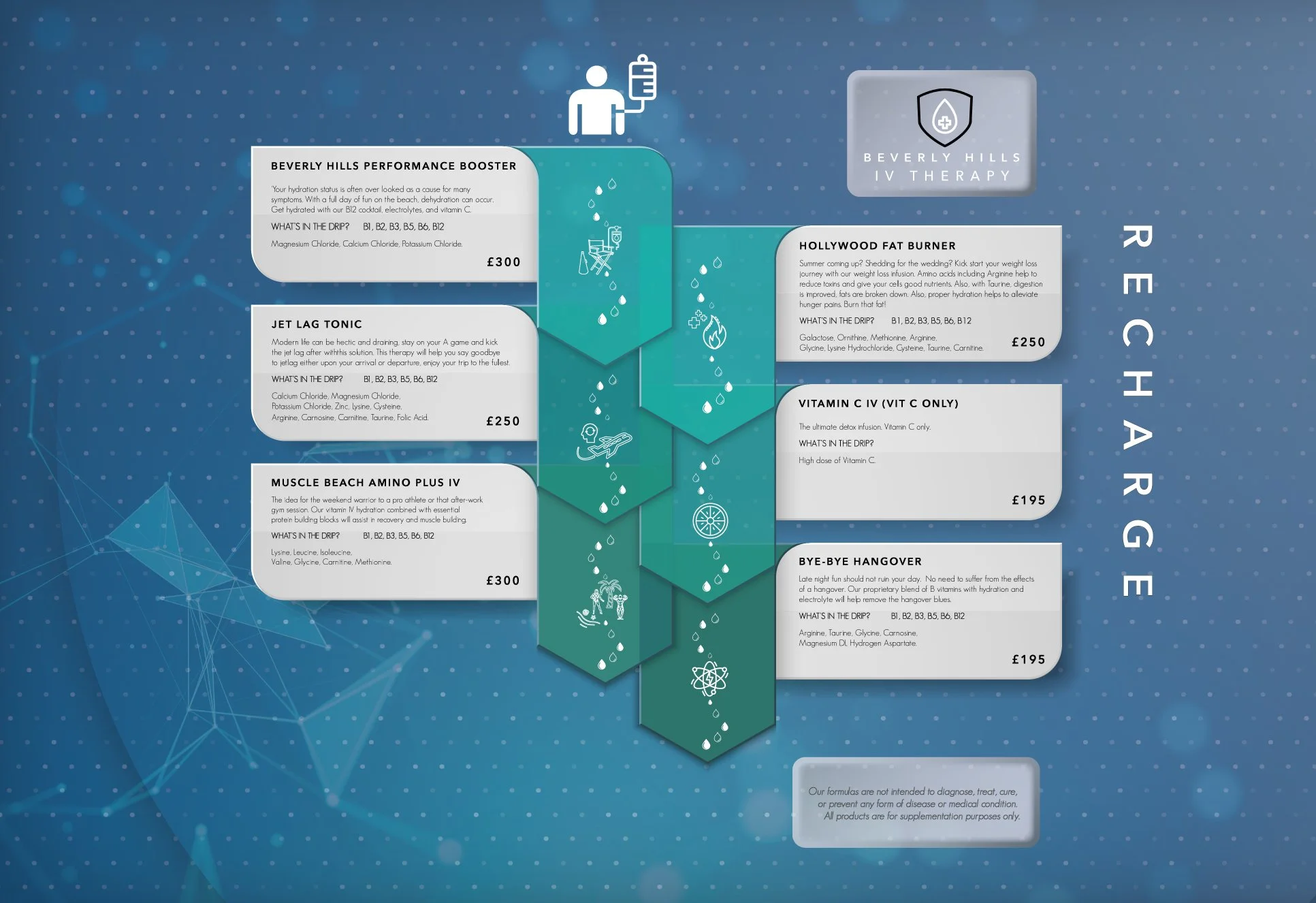
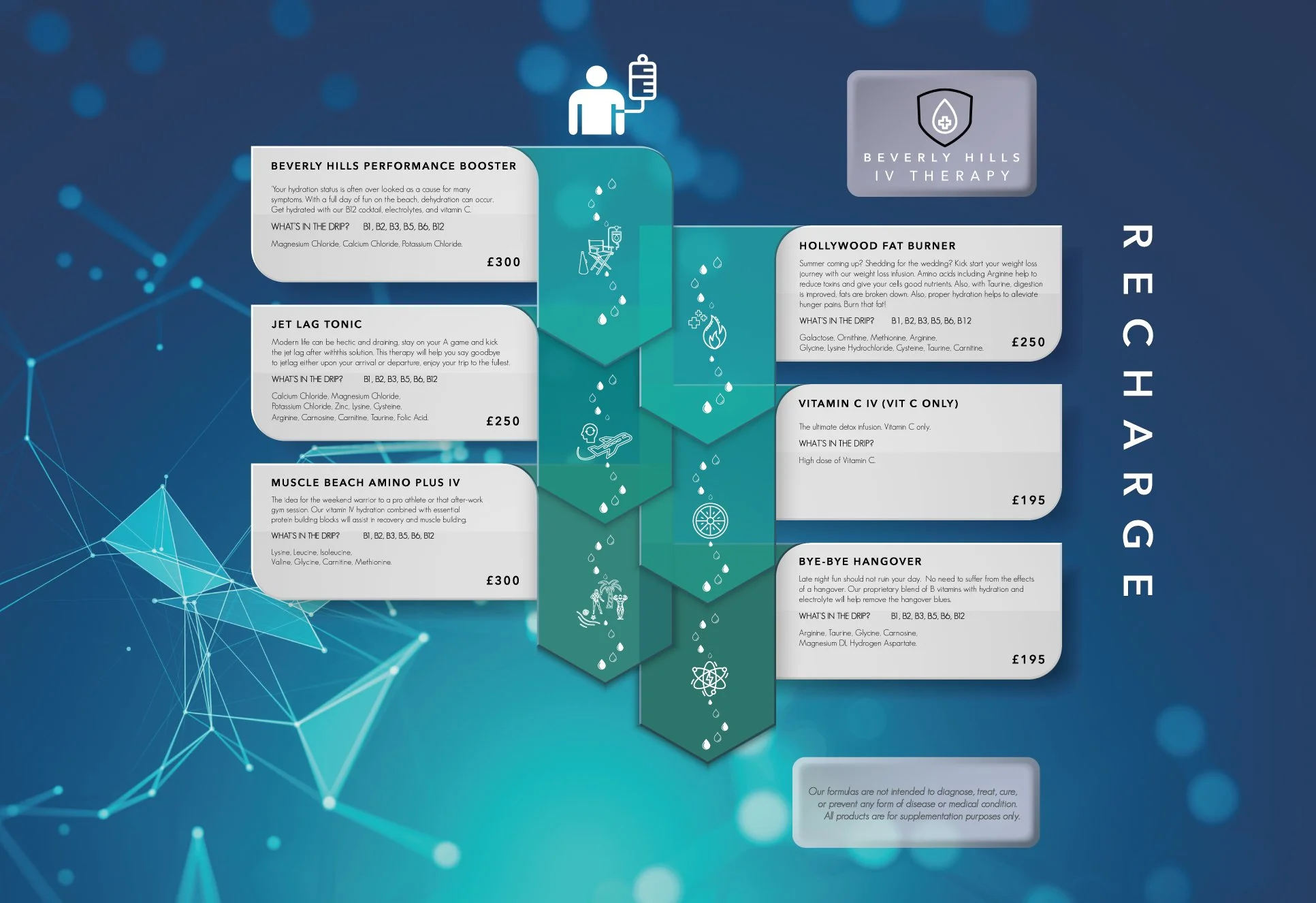
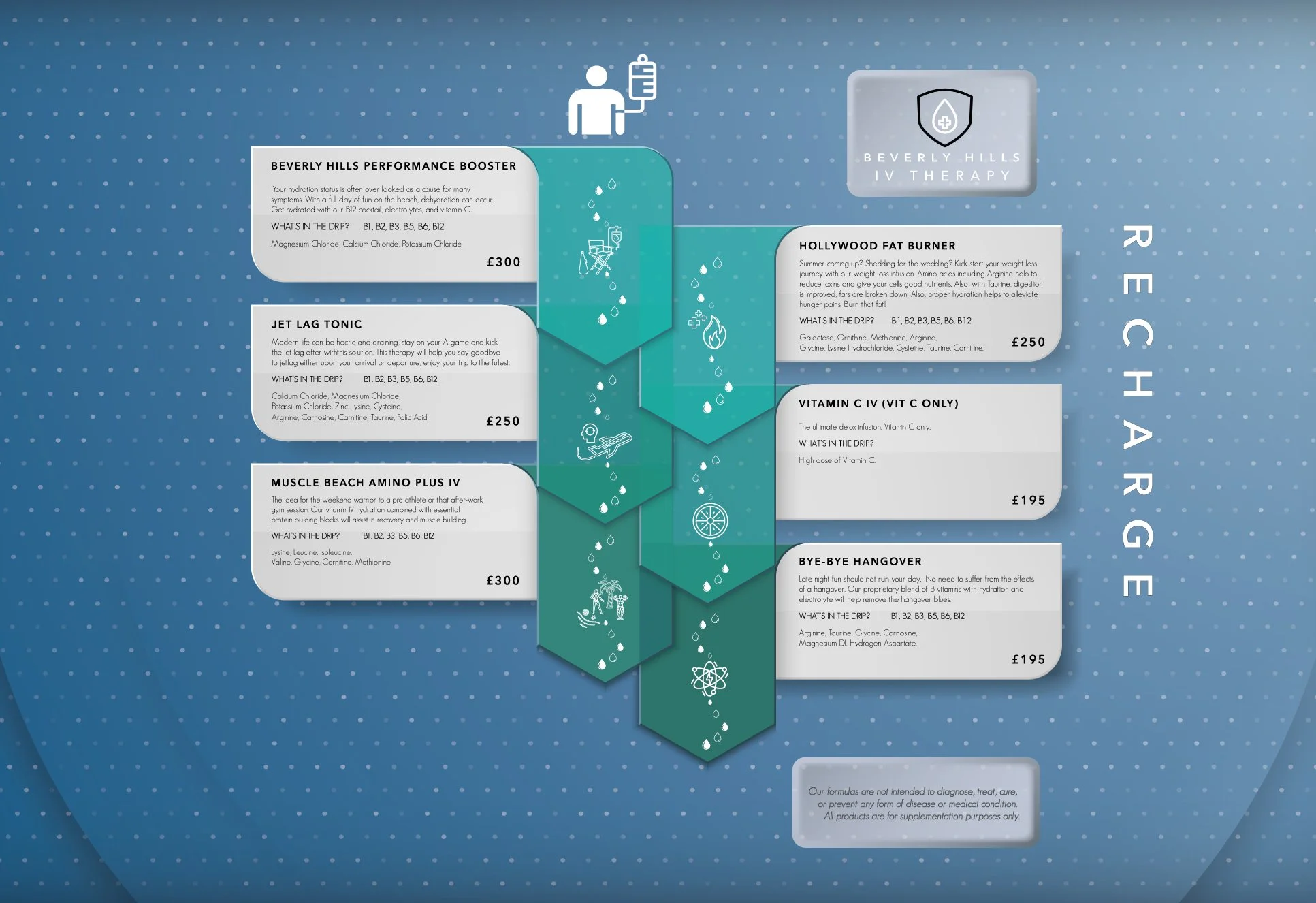
FINAL CHOSEN BACKGROUND COLOUR PALLET FOR THE INTERNAL MENU
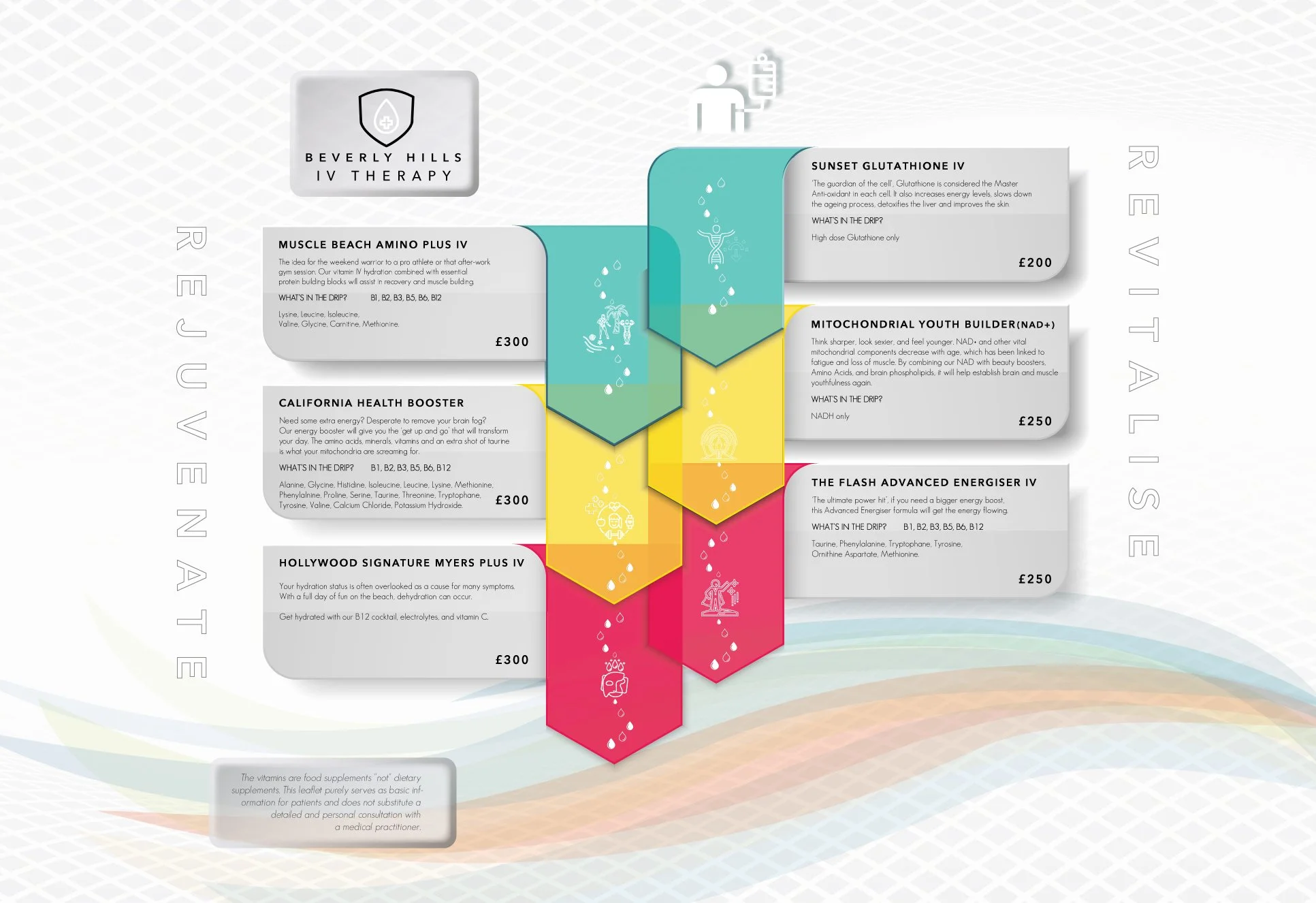
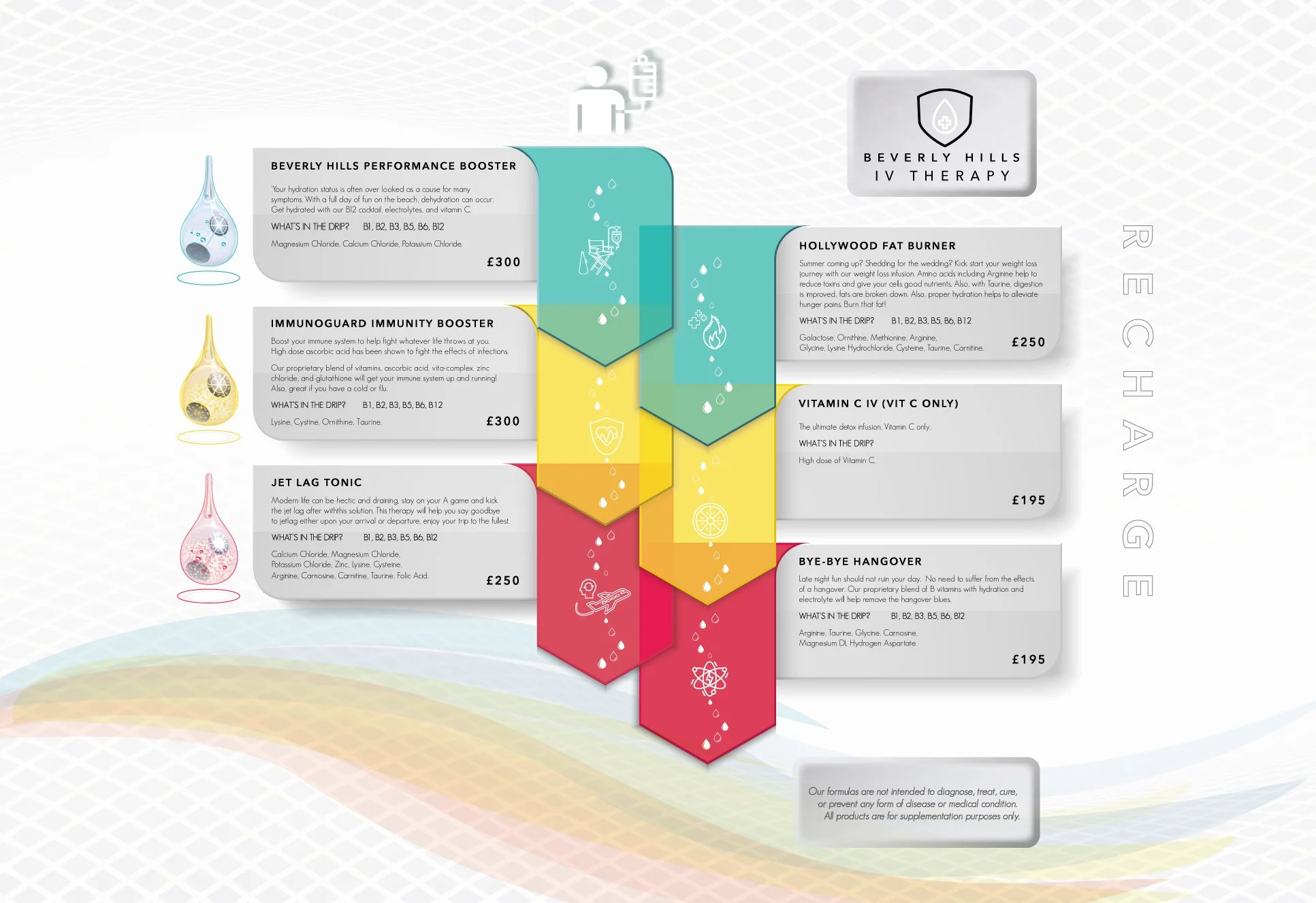
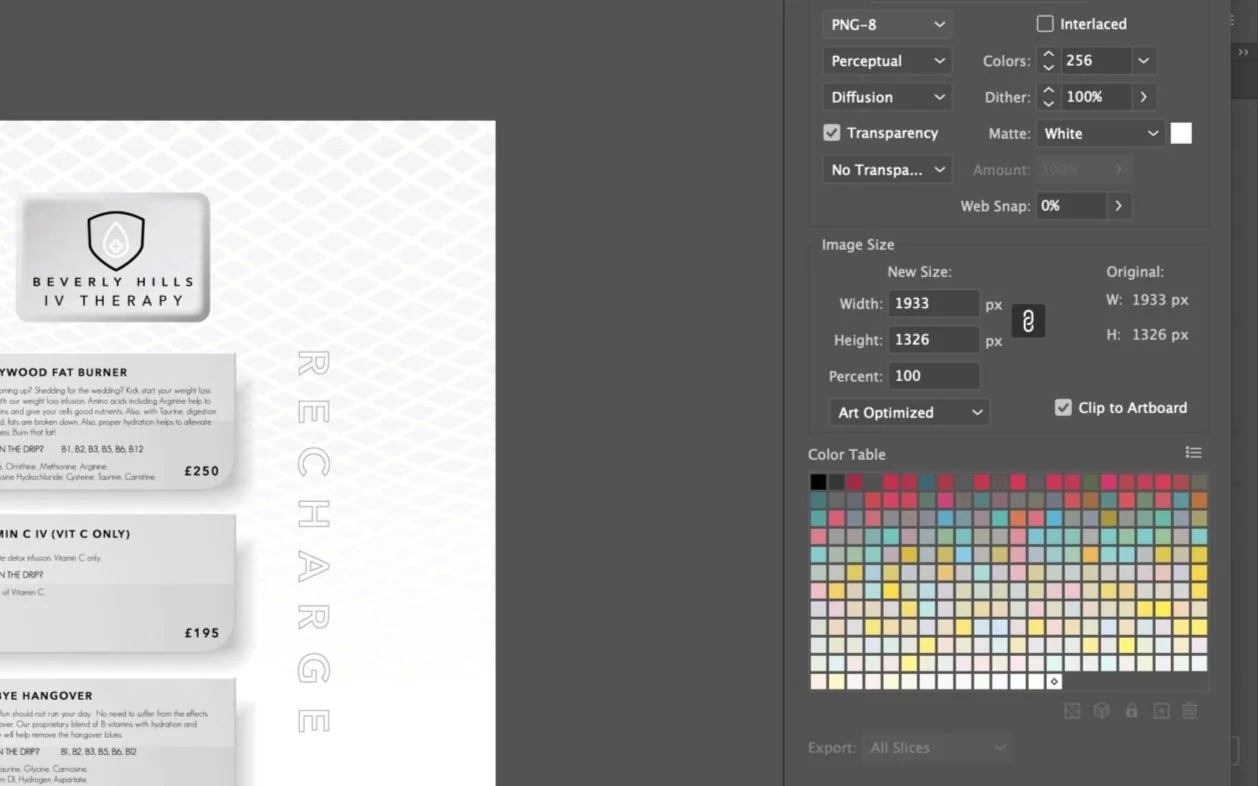
Colour Palette
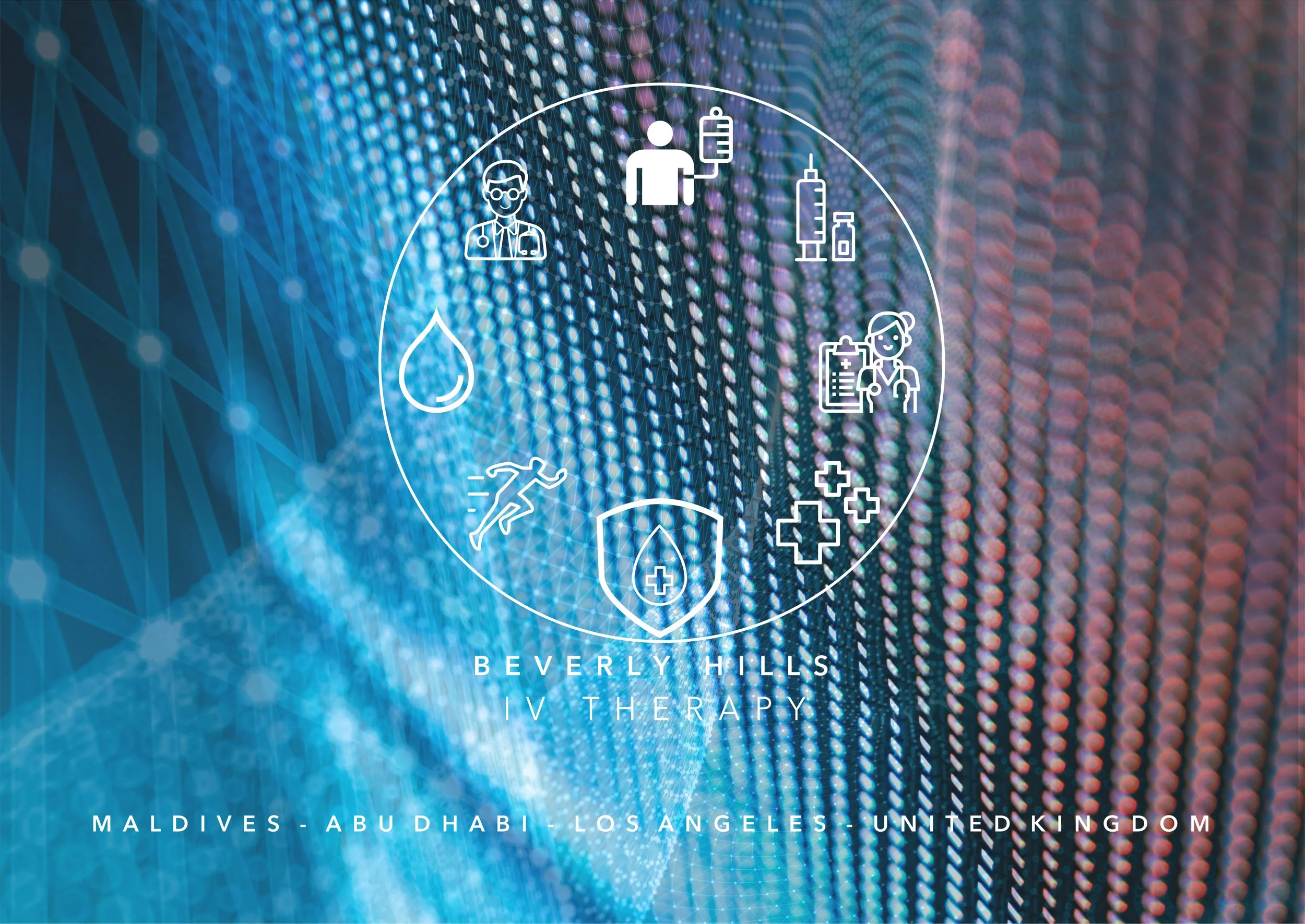
FRONT COVER FOR THE BHIV BROCHURE
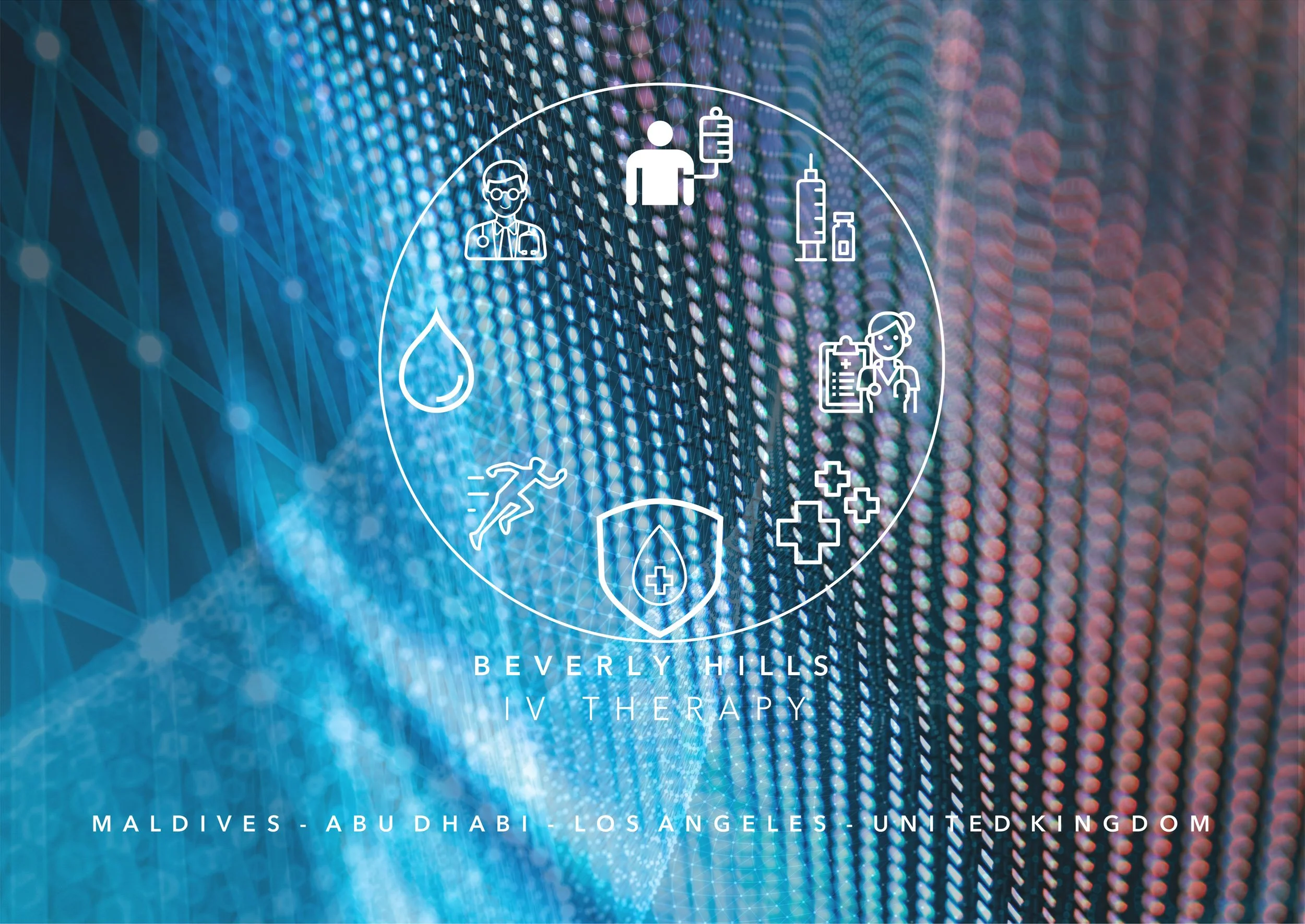
ANOTHER FRONT COVER DESIGN FOR BHIV TO DEMONSTRATE TWO DIFFERENT STYLE CONCEPTS.
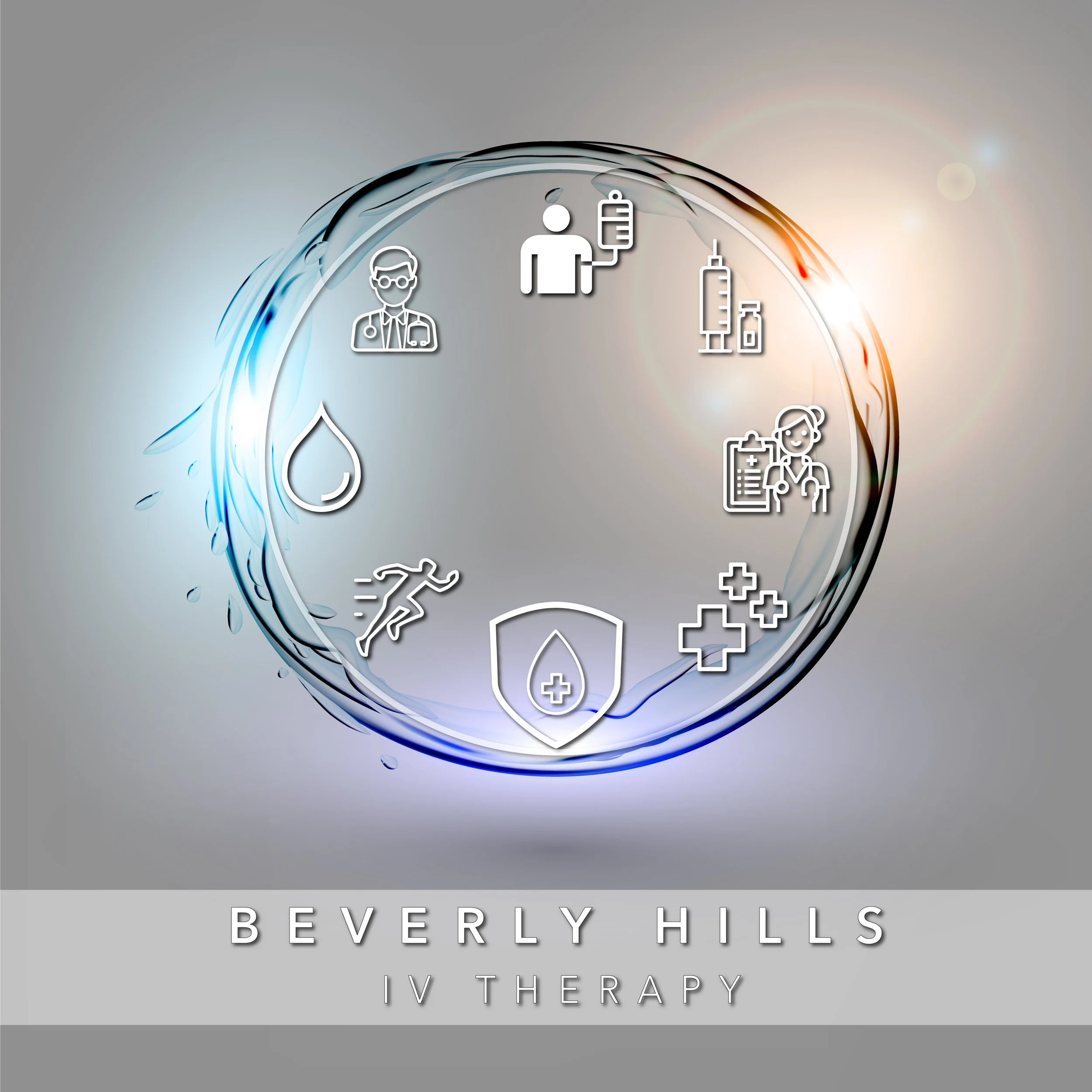
REBRANDED BHIV LOGO